



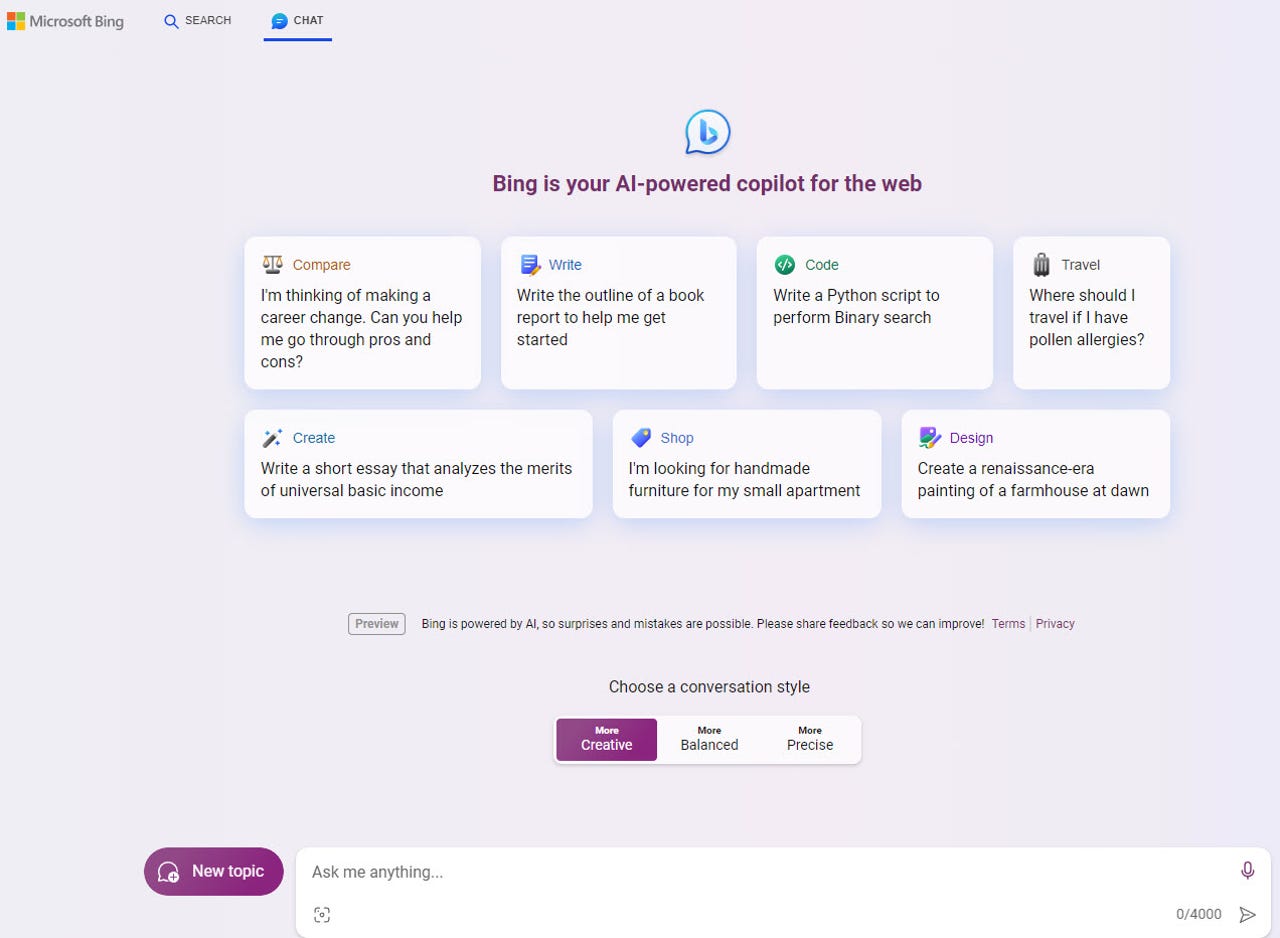
Organizations that have set up the new Bing Chat Enterprise can now access it in the Bing mobile app. Users are able to open and sign into the app with their work accounts and then click the Bing Chat button to access the enterprise version of the tool. Plus, people who use the Microsoft SwiftKey keyboard on their iPhones, iPads, or Android devices can now access Bing Chat 30 turns per day without having to sign in to their Microsoft account.
Despite the expansion of Bing AI into other browsers and apps, Microsoft is still trying to steer people to Edge by offering certain benefits, including longer conversations and a history of your chats. Using Bing AI in Chrome, you’re also restricted to five messages per chat compared to 30 in Edge. Some browsers, such as Safari, limit you to 2,000 characters per request versus 4,000 in Edge. Plus, a popup window keeps appearing, prompting you to use Edge to chat with Bing.
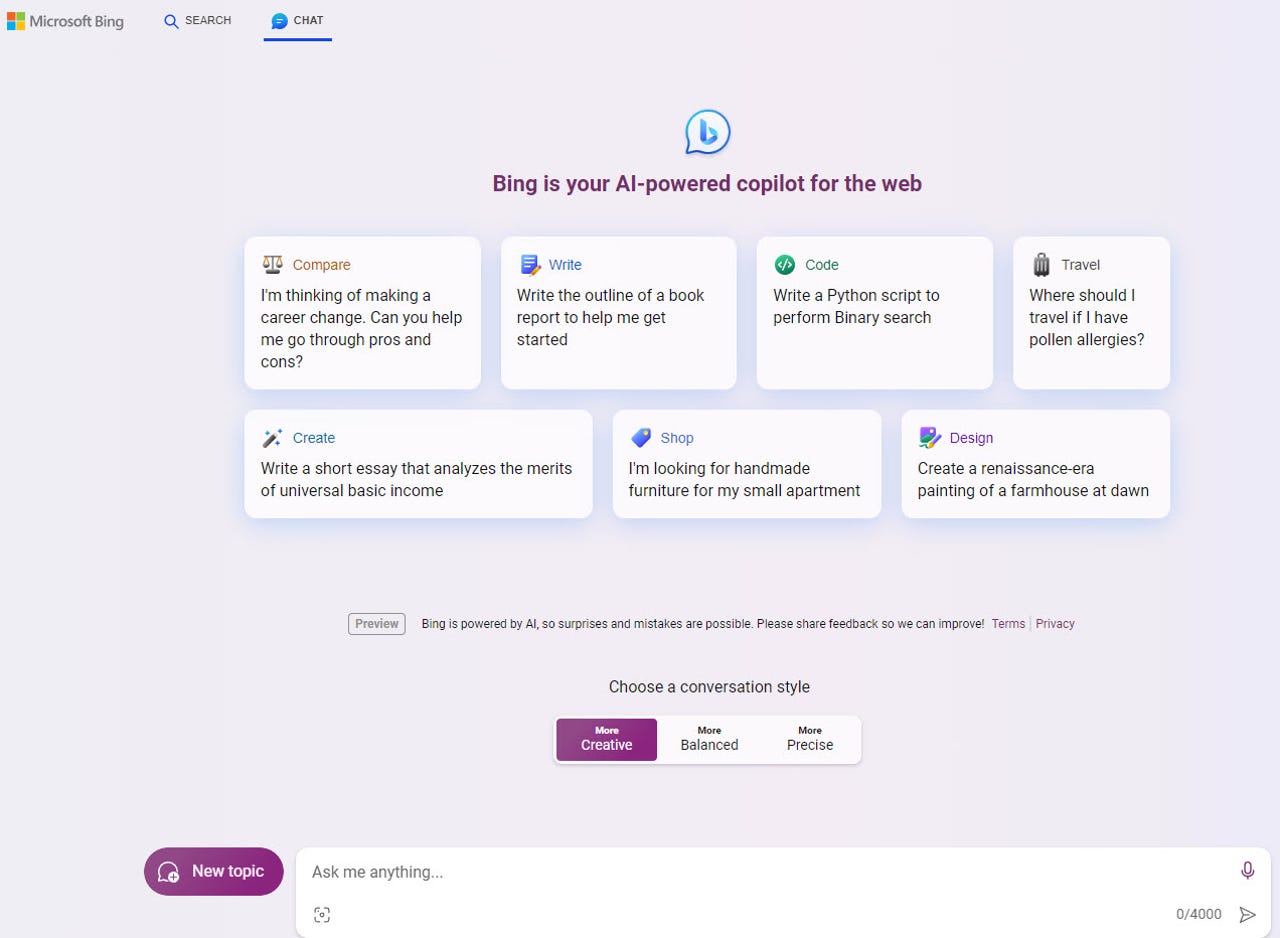
Otherwise, Bing AI works similarly in other browsers as it does in Edge and the Bing app. Select a conversation style — More Creative, More Balanced, or More Precise. Write and submit your question or request. In response, Bing answers your question or generates content for you. You can then submit further queries about the same topic or start a new subject. Beyond creating text, Bing can also cook up an image based on your description.