





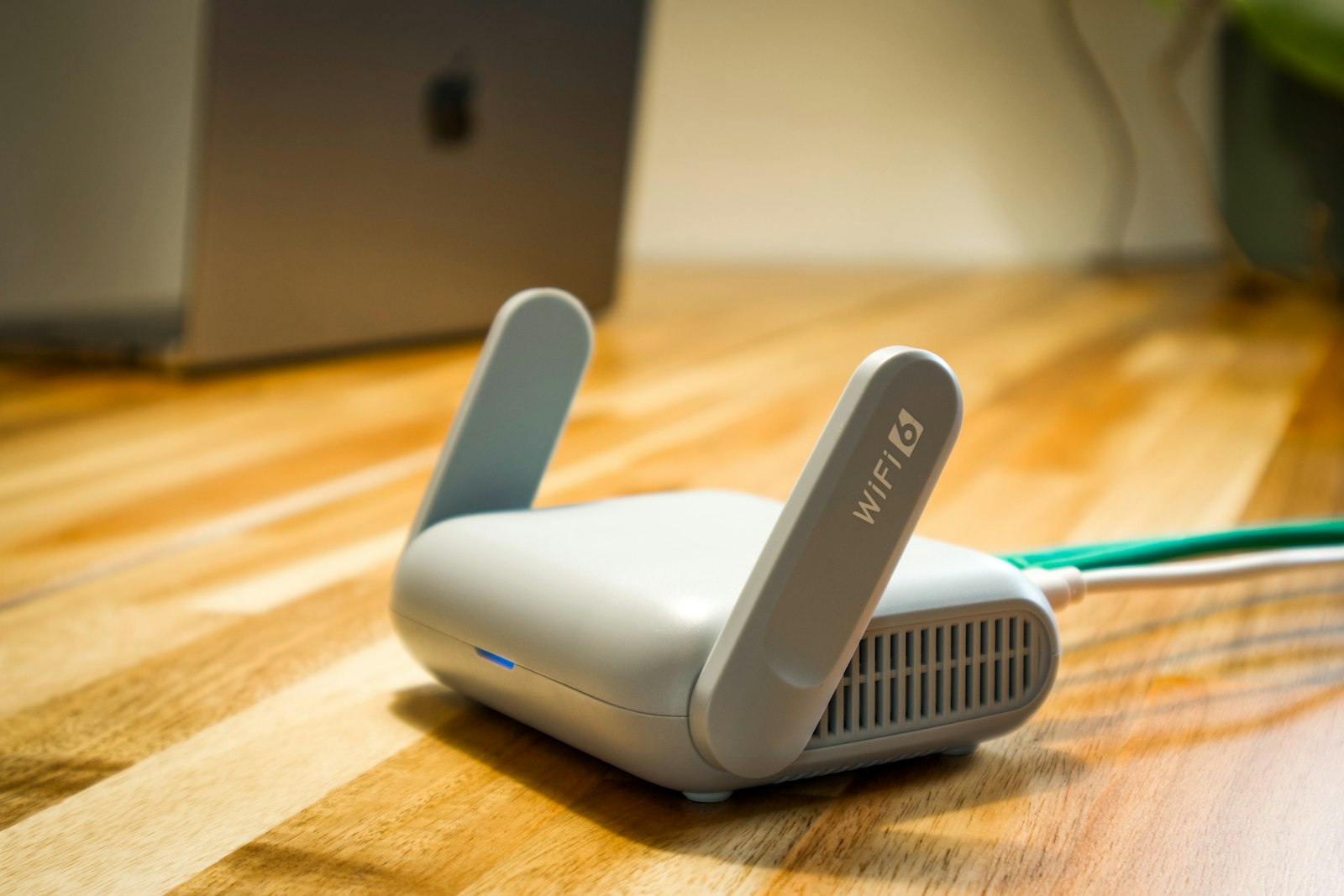
Updated Nov. 24, 2026. By the Amazon Picks Desk, Canada News Media. We researched Amazon.ca product data and manufacturer pages; we have not tested these extenders.
The TP-Link RE550 is our best-value Wi-Fi extender pick in Canada for most homes with Wi-Fi 5 gear: Amazon.ca listed it at $54.97 as of Nov. 24, 2026, with dual-band AC1900 speeds, three adjustable antennas and a gigabit port. For one weak room on a tight budget, the TP-Link RE220 was $27.99.
Disclosure: As an Amazon Associate, we may earn a commission from qualifying purchases made through this link.
Key facts
All five picks were listed as new, in stock and sold by Amazon.ca on Nov. 24, 2026, at prices from $27.99 to $109.99. All five carried a Black Friday Deal label that day. Amazon’s product data showed the RE220 and Netgear deals ending late on Nov. 30, Pacific time, and the other three late on Dec. 3. Prices can change at any time. We did not collect star ratings or review counts.
| Extender | Price, Nov. 24 | Wi-Fi class | Wired port | Best for |
|---|---|---|---|---|
| TP-Link RE220 | $27.99 | Wi-Fi 5, AC750 | Fast Ethernet | One weak room on a budget |
| TP-Link RE550 | $54.97 | Wi-Fi 5, AC1900 | Gigabit | Value with external antennas |
| TP-Link RE600X | $79.99 | Wi-Fi 6, AX1800 | Gigabit | Homes with a Wi-Fi 6 router |
| Netgear EAX15 | $79.99 | Wi-Fi 6, AX1800 | Gigabit | A Wi-Fi 6 choice outside TP-Link |
| TP-Link RE235BE | $109.99 | Wi-Fi 7, BE3600 | 2.5 gigabit | Newer routers and fast wired devices |
An extender picks up your router’s signal and sends it farther. It does not make your internet plan faster. Engadget’s extender guide, which draws on its own testing, cautions that these devices are not true signal boosters and are not designed to raise speeds across a home. It advises placing one about halfway between the router and the dead zone. The speed figures below are manufacturers’ theoretical wireless rates, not what you should expect on a phone in the basement.
One finding from our check matters before you buy: coverage claims are not consistent. For the RE550, the Amazon.ca listing says up to 2,800 square feet, while TP-Link Canada’s product page says up to 12,000. For the RE220, the listing says up to 1,200 square feet and 20 devices, while TP-Link Canada’s page cites 32 devices and an area of about 3,200 square feet (300 square metres) with the router included. Treat every square-footage number as a rough guide. Walls, floors and interference will change the result.
TP-Link RE220

The RE220 is the low-cost pick for a single problem spot, such as a back bedroom where video calls keep freezing. It was $27.99 on Amazon.ca as of Nov. 24, 2026, against a “was” price of $34.99. It is a small wall-plug AC750 model, rated at 300 megabits per second (Mbps) on the 2.4 GHz band and 433 Mbps on 5 GHz. The listing says it works with any standard router, is certified by Innovation, Science and Economic Development Canada (ISED) and carries a two-year warranty. It can also work as an access point. Skip it if you have a fast internet plan or want to wire in a game console: its port is Fast Ethernet, not gigabit.
See the current price on Amazon.ca
TP-Link RE550

The RE550 was $54.97 as of Nov. 24, 2026, against a “was” price of $69.99. That is about double the RE220’s price, and the extra money buys a higher speed class, three adjustable external antennas and a gigabit port for a smart TV, console or computer. TP-Link rates it at 600 Mbps on 2.4 GHz and 1,300 Mbps on 5 GHz. The listing gives a limit of 35 devices, says the unit is ISED certified and cites a two-year warranty. It is the one we would look at first for a house with older Wi-Fi 5 equipment. The trade-off is that it lacks Wi-Fi 6, and the wide gap between the two coverage claims means you should not count on the larger number.
See the current price on Amazon.ca

TP-Link RE600X

Choose the RE600X if your router and main devices already use Wi-Fi 6. It was $79.99 as of Nov. 24, 2026, against a list price of $99.99. TP-Link rates it at 1,201 Mbps on 5 GHz and 574 Mbps on 2.4 GHz. It has a gigabit port, can serve as an access point, and can share one network name with a compatible TP-Link OneMesh router. The Amazon.ca listing says it covers up to 1,500 square feet and 30 devices, is ISED certified and comes with a two-year warranty. Skip it if your router is Wi-Fi 5 and you do not plan to replace it, since the cheaper RE550 may make more sense.
See the current price on Amazon.ca
Netgear EAX15

The Netgear Nighthawk EAX15 is the Wi-Fi 6 alternative to TP-Link at the same price: $79.99 as of Nov. 24, 2026, against a list price of $129.99. It is an AX1800 wall-plug model with a gigabit port. Netgear Canada’s page lists two internal antennas. The Amazon.ca listing says it adds up to 1,500 square feet, handles up to 20 devices, works with any router, supports WPA3 security and keeps your existing network name as devices roam. That device limit is lower than the RE600X’s stated 30. We did not confirm the length of Netgear’s Canadian warranty, so check it before ordering, along with the seller.
See the current price on Amazon.ca

TP-Link RE235BE

The RE235BE is the pick for buyers who want Wi-Fi 7 for about $110. It was $109.99 as of Nov. 24, 2026, against a list price of $179.99. TP-Link Canada lists 2,882 Mbps on 5 GHz and 688 Mbps on 2.4 GHz, a 2.5-gigabit port and EasyMesh support for pairing with compatible routers. Note that this is a dual-band model, so it has no 6 GHz band, one of the best-known additions in newer Wi-Fi. The Amazon.ca listing describes two external antennas, while TP-Link’s page shows four, and the page also shows more than one hardware version. If antenna count matters to you, confirm the version first. The listing cites a two-year warranty.
See the current price on Amazon.ca
Choosing an extender for a Canadian home
Start by walking the house with your phone and finding where the signal turns weak. The extender needs a good signal to repeat, so plug it in where Wi-Fi still works reliably, not inside the dead zone. In a two-storey house with a basement office, that may be an outlet on the stairs or the floor above. Tom’s Guide also advises keeping it away from large appliances, which can cause interference.
Next, match the extender to your router. A Wi-Fi 6 or Wi-Fi 7 extender will still connect to older equipment, but it cannot turn an old router into a new one. If your internet provider supplied your router, ask whether it offers its own add-on pods. If several rooms are weak, or the router itself is old, a mesh system may be the better fix. Our guides to mesh Wi-Fi systems for Canadian homes and Wi-Fi routers in Canada cover both routes. None of the five picks here is an outdoor model, so keep them indoors and out of unheated, damp spaces.
On timing, Black Friday is Nov. 27, 2026, and these deals were already live on Nov. 24. A “was” price or list price is Amazon’s comparison figure and does not prove what the item sold for last week. Our Black Friday guide for Canada covers sale dates and your rights. Check the return window on the product page before you buy, because the only sure test is how an extender performs in your own home.
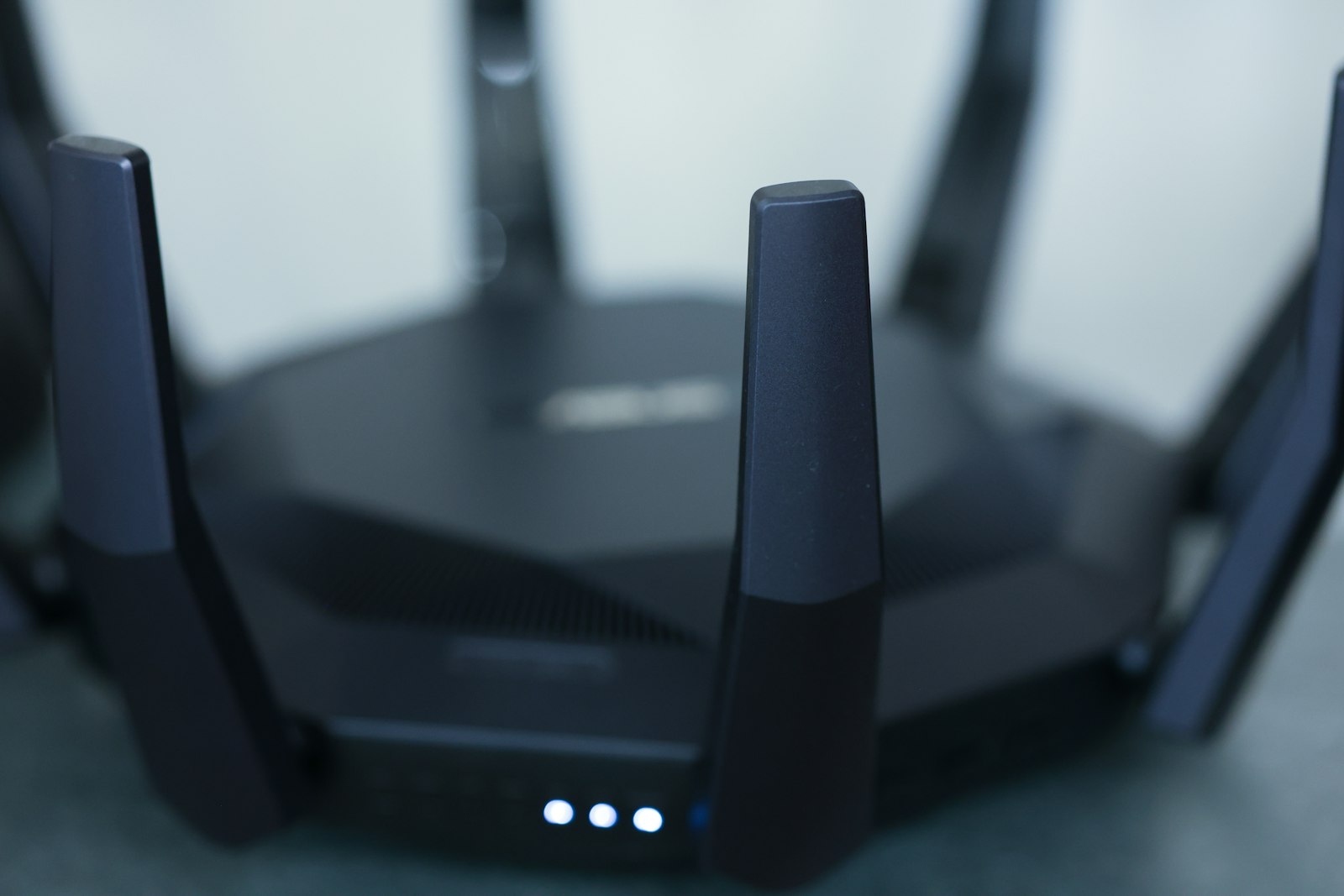
Do Wi-Fi extenders make internet faster? No. An extender can give a better connection where the signal was weak, but it cannot raise the speed you pay your provider for. Engadget cautions that extenders are not designed to increase speeds across a home.
Where should I put a Wi-Fi extender? A common starting point is about halfway between the router and the weak area. Move it closer to the router if the signal it receives is poor.
Will a TP-Link extender work with another brand of router? The Amazon.ca listings for the RE220 and RE235BE say they work with standard routers. Shared mesh features such as OneMesh or EasyMesh need compatible equipment.
Is a Wi-Fi extender or a mesh system better? An extender is the cheaper fix for one weak area; the picks here started at $27.99 as of Nov. 24, 2026. A mesh system is worth comparing if several rooms or floors have poor coverage.
How we chose: on Nov. 24, 2026, we searched Amazon.ca product data supplied through Amazon’s official Associates data service and kept new, in-stock models from established networking brands that were sold by Amazon.ca. We picked five across price and Wi-Fi class, then compared the listing descriptions with manufacturer pages. We left out generic listings with very large coverage claims, along with used units. We did not test any product or collect ratings or customer reviews. More guides are on our Amazon Picks Canada page.
If you find reporting like this useful, consider supporting Canada News Media, an independently owned Canadian newsroom.
Follow Canada News Media
Get the day's top Canadian stories and our two daily 60-second news videos wherever you scroll.
X Threads Facebook Instagram LinkedIn TikTok YouTube Pinterest Reddit Substack Flipboard Newsletter RSS
Shop all our picks on Amazon.ca
Browse every list from our buying guides, plus best sellers, Christmas gifts and holiday outfits, in the Canada News Media storefront on Amazon.ca. We earn a commission on qualifying purchases.