



Updated Nov. 25, 2026. We research products from Amazon.ca product data and manufacturer pages. We have not tested these scanners.
The Epson WorkForce ES-C320W is our best document scanner in Canada for most homes: $284.99 on Amazon.ca as of Nov. 25, 2026, with two-sided scanning, a 20-page feeder and Wi-Fi. For receipts on the road, the Epson ES-50 was $149.99. For big paper backlogs, the ScanSnap iX2500 was $588.95.
Disclosure: As an Amazon Associate, we may earn a commission from qualifying purchases made through this link.
The short answer
Prices in Canadian dollars were checked through Amazon’s product data service on Nov. 25, 2026, at 9:47 p.m. ET and can change. All seven scanners showed as in stock, new and sold by Amazon.ca.
Two carried an Amazon “Black Friday Deal” label: the Epson ES-50 and the Epson ES-C320W.
The cheapest pick was the Canon CanoScan LiDE 400 flatbed at $99.99, which suits photos and bound pages more than stacks of paper.
The feature that saves the most time with paperwork is a document feeder that reads both sides in one pass.
| Scanner | Price, Nov. 25 | Paper handling | Connection | Best for |
|---|---|---|---|---|
| Canon CanoScan LiDE 400 | $99.99 | Flatbed, one item at a time | USB | Photos and books |
| Epson WorkForce ES-50 | $149.99 | Single sheet | USB 2.0 | Travel and receipts |
| Brother DS-940DW | $247.99 | Single sheet, two-sided | Wi-Fi, USB, battery | Scanning with no outlet |
| Epson WorkForce ES-C320W | $284.99 | 20 sheets, two-sided | Wi-Fi, USB | Most homes |
| ScanSnap iX1300 | $379.98 | 20 sheets, two-sided | Wi-Fi, USB | Small desks |
| Epson WorkForce ES-500W II | $399.99 | 50 sheets, two-sided | Wi-Fi, USB | Home offices |
| ScanSnap iX2500 (black) | $588.95 | 100 sheets, two-sided | Wi-Fi 6, USB-C | Large backlogs |
The first thing to settle is what you are scanning. A flatbed is the safer choice for old photos, passports and anything bound. A sheet-fed scanner pulls paper through and is far quicker for bills, tax slips and contracts. If you only scan a page now and then, one of the all-in-one machines in our wireless printer guide may already be enough.
Epson WorkForce ES-C320W
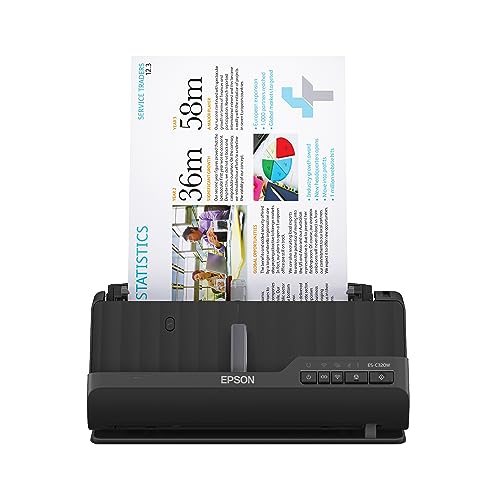
This is the middle ground. Epson’s product page lists speeds as fast as 30 pages a minute, or 60 images a minute with both sides captured in one pass, plus a 20-page automatic feeder, USB and Wi-Fi on the 2.4 GHz and 5 GHz bands. The listing says it can scan to phones, tablets, computers and cloud services, and that Epson’s software includes optical character recognition (OCR), which makes text searchable.
It was $284.99, shown against a list price of $399.99, with a Black Friday Deal label that Amazon’s data showed running to Nov. 30 at 11:59 p.m. Pacific time. Skip it if you regularly face stacks of more than 20 sheets, because you will be reloading.
See the current price on Amazon.ca
Epson WorkForce ES-50

The ES-50 is a slim bar that takes one sheet at a time and draws power from a computer’s USB port, so there is no battery or wall plug. Epson rates it at 10 pages a minute at 300 dots per inch, or a page in as fast as 5.5 seconds. The listing says it takes documents up to 8.5 by 72 inches, as well as ID cards and receipts.
It was $149.99, down from a previous price of $179.99, with a Black Friday Deal label showing an end of Dec. 3 at 11:59 p.m. Pacific time. It suits a laptop bag, a truck or a desk drawer. Skip it if you want to scan without a computer, or if you have a box of old statements to get through.
See the current price on Amazon.ca
Brother DS-940DW
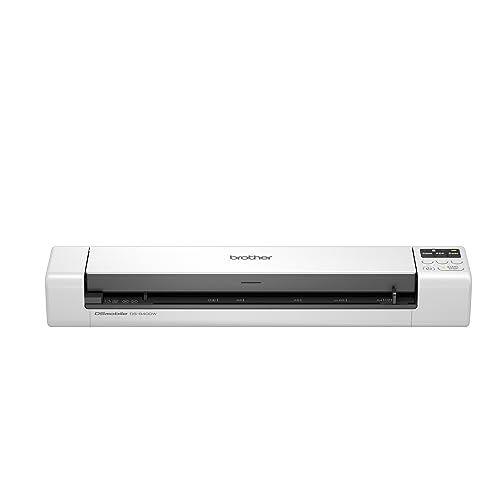
Brother’s portable model adds the two things the ES-50 lacks: a built-in rechargeable battery and Wi-Fi. Brother Canada’s page lists two-sided scanning in a single pass at up to 16 pages a minute, USB 3.0, a weight of 0.7 kilograms and a one-year limited warranty. It still feeds one sheet at a time, and Brother rates it for up to 100 scans a day, so it is a travel tool, not an office workhorse.
It was $247.99 with no discount shown. Pay the extra over the ES-50 if you scan both sides of forms away from a desk. Skip it if your scanner will never leave home, where about $37 more bought the 20-page feeder on the ES-C320W at tonight’s prices.
See the current price on Amazon.ca
ScanSnap iX1300

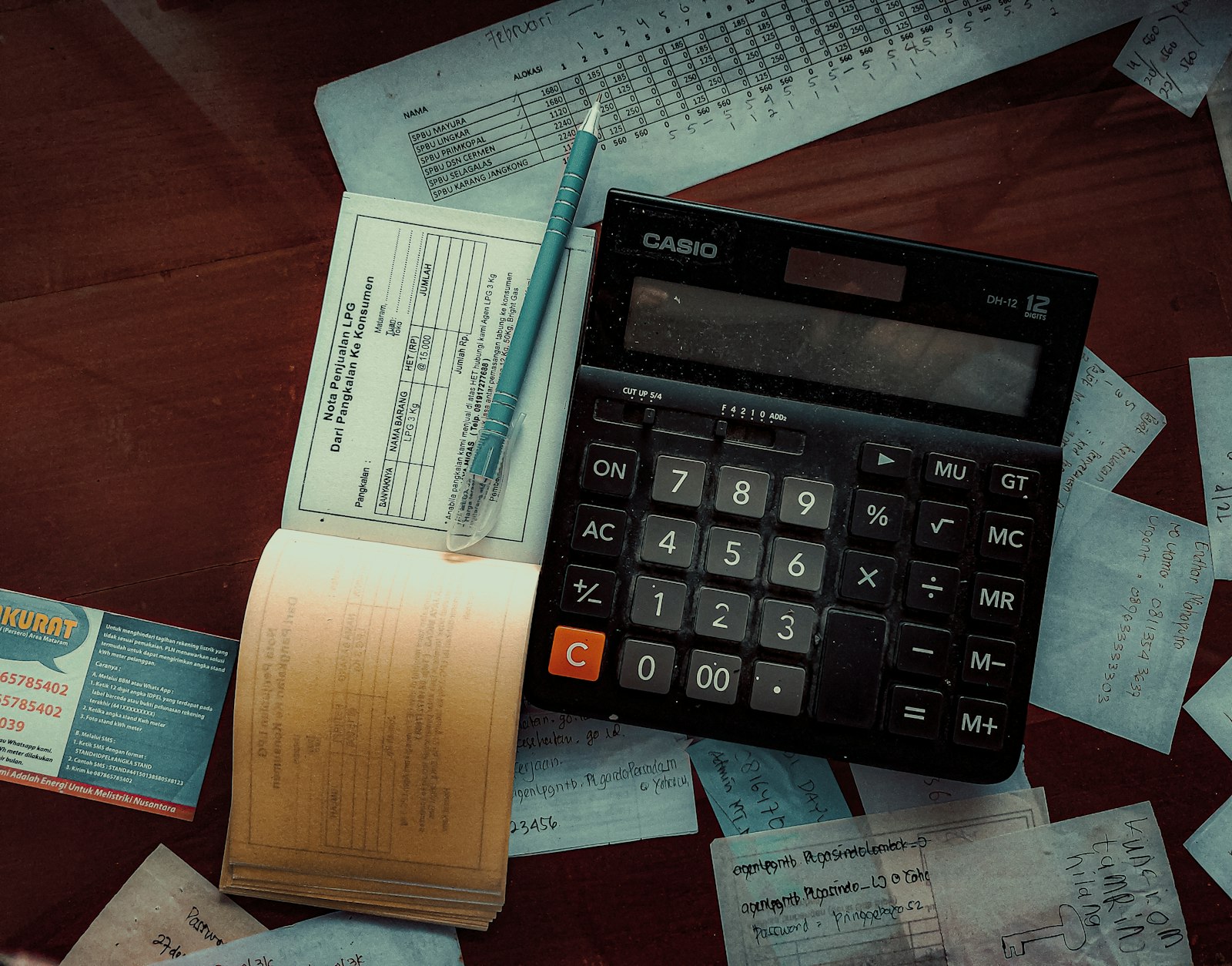
The ScanSnap iX1300 is built for a crowded desk. Ricoh’s specification page lists up to 30 pages a minute, or 60 images two-sided, for A4 colour pages at 300 dpi, a 20-sheet feeder, USB and dual-band Wi-Fi, and a weight of 2.0 kilograms. The listing says it also has a manual feeder and works with Mac and PC, and can send scans to mobile devices and cloud services without a computer.
The black version was $379.98, down from a previous price of $426.99. Its headline speed and feeder size are close to the Epson ES-C320W’s, which cost $94.99 less tonight, so choose the ScanSnap mainly if you prefer its software or its feed design. Skip it if price decides.
See the current price on Amazon.ca
Epson WorkForce ES-500W II

For a home business, a larger feeder matters more than a small footprint. Epson lists a 50-sheet feeder and speeds up to 35 pages, or 70 images, a minute on letter-sized pages at 300 dpi, with wireless scanning to phones, tablets and computers. The listing adds ultrasonic detection for pages fed together, searchable PDFs, a TWAIN driver for document software and long pages up to 240 inches.
It was $399.99 with no discount shown. Skip it if you rarely have more than a dozen pages at once. Sending scans to cloud services wirelessly requires Epson’s ScanSmart software on a computer, according to Epson, so check that it runs on yours.
See the current price on Amazon.ca
ScanSnap iX2500

This is the one for clearing years of paper. Ricoh lists up to 45 pages a minute, or 90 images two-sided, for A4 colour pages at 300 dpi, a 100-sheet feeder, USB-C and Wi-Fi 6, and a weight of 3.5 kilograms. The listing describes a large touchscreen with user profiles, plus a sensor for pages stuck together and skew detection.
The black model was $588.95, down from a previous price of $619.95. Skip it if your backlog would fit in one folder: it costs more than twice as much as the ES-C320W.
See the current price on Amazon.ca
Canon CanoScan LiDE 400
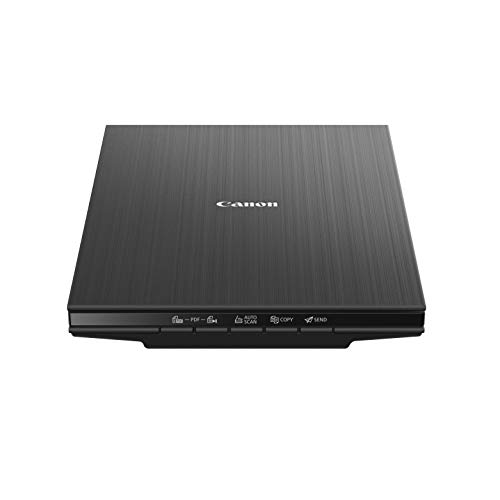
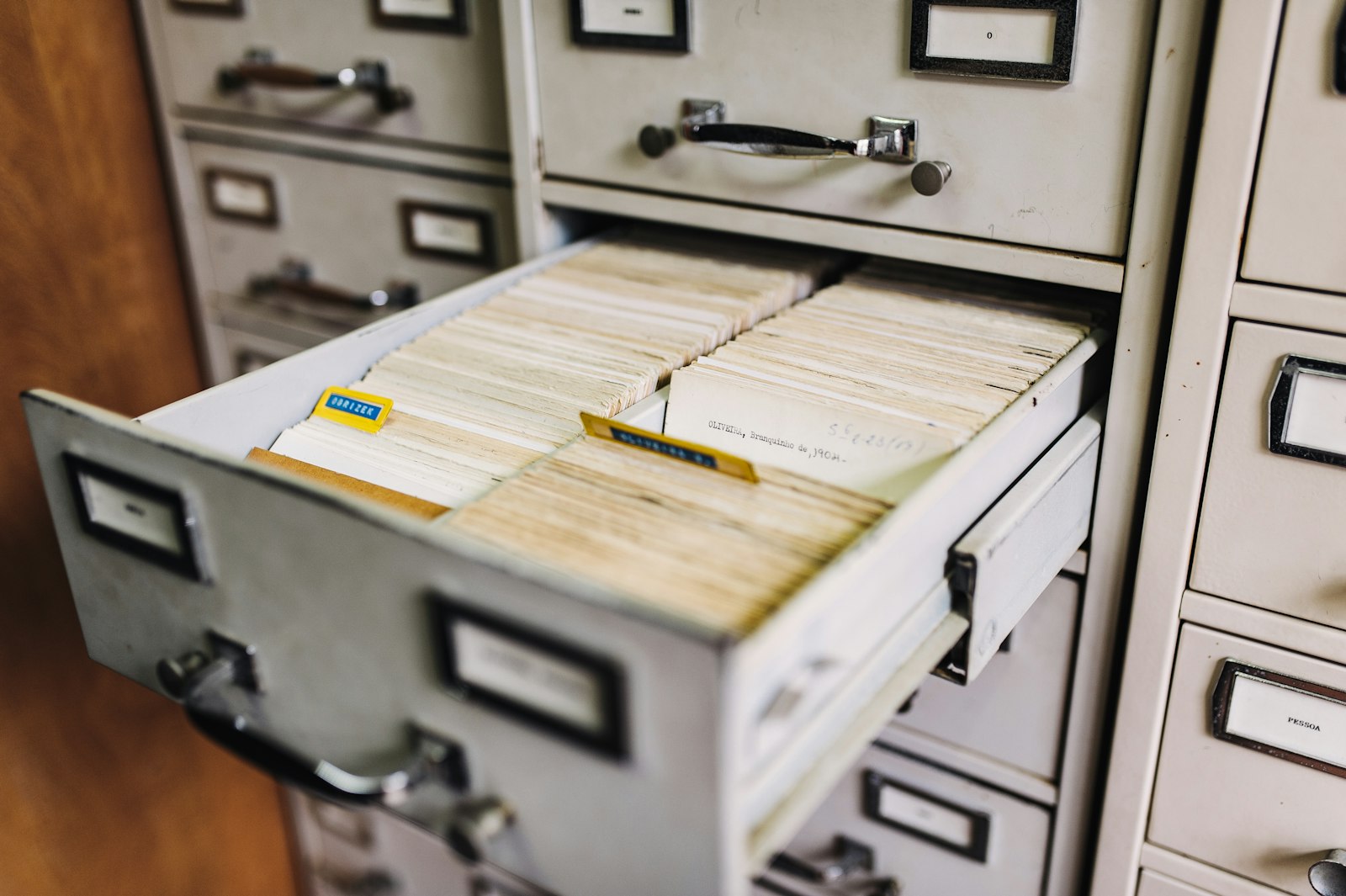
A flatbed lays the original on glass, so nothing is pulled through rollers. The listing gives 4,800 by 4,800 dpi resolution, scans in as fast as eight seconds, an included USB Type-C cable, five one-touch buttons and a PDF button for searchable files. It was $99.99 with no discount shown.
It suits family photos, children’s artwork and certificates you do not want bent. Skip it for stacks of paperwork, since every side has to be placed by hand. The listing’s compatibility line names older Windows and macOS versions, so confirm a current driver on Canon’s support site for your computer before buying. We took these specifications from the listing because the Canon specification page we tried did not load.
See the current price on Amazon.ca
How to choose a document scanner in Canada
Count your paper first. A few receipts a week calls for a portable model. A steady flow of two-sided statements and invoices calls for a duplex feeder of at least 20 sheets. Feeder ratings assume ordinary paper, so creased receipts and thick cards may need to go through in smaller batches or one at a time. Speed figures are the makers’ own, at stated settings, and higher quality modes are slower.
Next, check the software. Searchable PDFs depend on OCR, which can behave differently with French or mixed-language documents, so look at the maker’s supported languages if that matters. Also confirm that your version of Windows or macOS is supported, and keep your invoice for any warranty claim. Compare Canadian prices only, because our figures are Amazon.ca prices in Canadian dollars before tax.
Then plan where the files will live. A scan that exists only on one laptop is not a backup. Our guides to external hard drives and portable SSDs cover a second copy. On timing, Black Friday is Nov. 27 this year, and our Black Friday dates and deals guide explains the sales calendar and shopper rights. Boxing Day is Dec. 26.
Scanning records the CRA may ask for
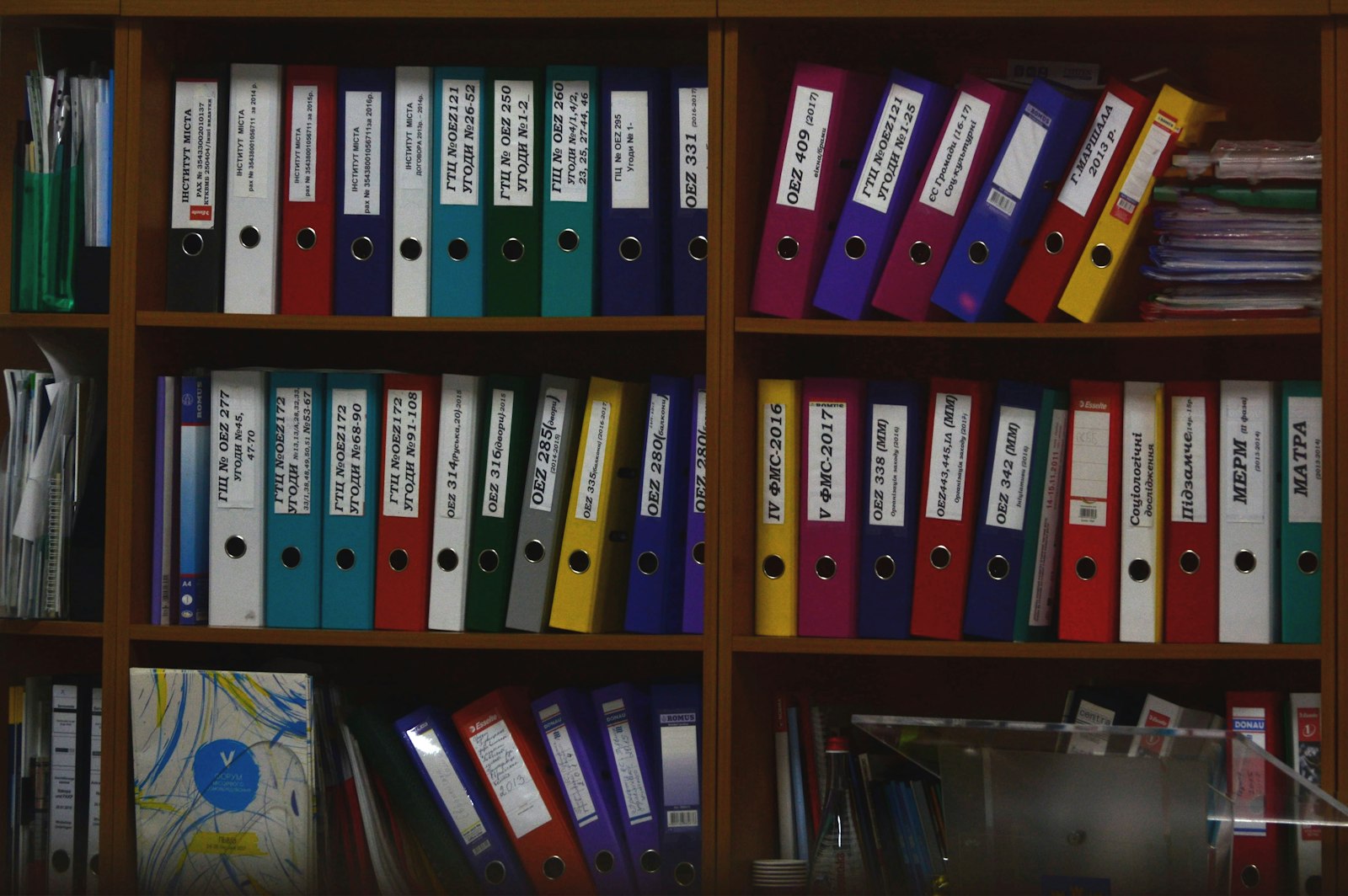
Do not shred tax records just because you have scanned them. The Canada Revenue Agency’s guidance for businesses says you generally must keep original paper documents. It says that if books and supporting documents are imaged according to Canadian General Standards Board standards, the images become the permanent records and the paper can be destroyed. It cites CAN/CGSB 72.34, Electronic Records as Documentary Evidence.
A business that cannot meet those standards has to keep the originals, the agency says, and it advises getting legal advice if in doubt. Buying a particular scanner does not by itself meet that bar. The agency also says required records generally must be kept for six years from the end of the last tax year they relate to, with exceptions, and that destroying them early requires its written permission.
What is the best document scanner for home use in Canada? For most homes we would start with the Epson WorkForce ES-C320W, which has two-sided scanning, a 20-page feeder and Wi-Fi. It was $284.99 on Amazon.ca on Nov. 25, 2026. We have not tested it.
Is a flatbed or a sheet-fed scanner better? A flatbed is better for photos, books and fragile originals because the item stays flat on the glass. A sheet-fed scanner with automatic two-sided scanning is much faster for stacks of bills and forms.
Can I scan without a computer? Some models here have Wi-Fi and can scan to phones or cloud services, with setup and software requirements that vary by brand. The Epson ES-50 is powered by and connected to a computer over USB. Check the maker’s instructions for the workflow you want.
Can I throw out paper receipts after scanning them? Not automatically. The CRA says businesses generally must keep originals unless the documents are imaged according to Canadian General Standards Board standards. Get advice if you are unsure.
How we chose: We searched Amazon.ca through its official product data service and kept scanners from established makers that showed as new, in stock and sold by Amazon.ca, spread across portable, desktop and flatbed designs. Specifications come from the manufacturer pages linked above and from the listings. We did not test the scanners, we did not use an outside lab test, and we make no claims about scan quality or reliability. Star ratings and owner reviews are not included. See more of our guides on the Amazon Picks Canada page.
If you find reporting like this useful, consider supporting Canada News Media, an independently owned Canadian newsroom.
Follow Canada News Media
Get the day's top Canadian stories and our two daily 60-second news videos wherever you scroll.
X Threads Facebook Instagram LinkedIn TikTok YouTube Pinterest Reddit Substack Flipboard Newsletter RSS
Shop all our picks on Amazon.ca
Browse every list from our buying guides, plus best sellers, Christmas gifts and holiday outfits, in the Canada News Media storefront on Amazon.ca. We earn a commission on qualifying purchases.