



For most homes, the best UPS for a Wi-Fi router and modem in Canada is the APC Back-UPS BE600M1, $114.99 on Amazon.ca on Nov. 25, 2026. Its listing gives 23 minutes of backup at a 100-watt load and says the battery can be replaced. On a tighter budget, the APC BE425M was $79.98.
Disclosure: As an Amazon Associate, we may earn a commission from qualifying purchases made through the links in this article.
By the Amazon Picks Desk, Canada News Media. We research products from Amazon.ca listing data and manufacturer specifications; we have not tested them ourselves. Updated Nov. 25, 2026. Prices and availability checked on Amazon.ca at 1:43 p.m. ET, Nov. 25, 2026, and subject to change; the price shown at the time of purchase applies.
The short answer
All five picks are small battery backups that also have surge protection. Prices ran from $70.72 to $149.99 on Nov. 25, 2026, although the cheapest one was not marked as in stock. Amazon.ca was the seller of all five. A UPS powers your equipment during an outage, but it cannot keep your provider’s network running. If your home has a separate fibre terminal, it needs backup power too.
| Model | Price (Nov. 25) | Rating (VA / watts) | Battery outlets | Best for |
|---|---|---|---|---|
| APC BE600M1 | $114.99 | 600 VA | 5 of 7 | Most homes |
| APC BE425M | $79.98 | 425 VA / 255 W | 4 of 6 | A simple modem and router setup |
| CyberPower ST425 | $80.99 | 425 VA / 260 W | 4 of 8 | Extra surge-only outlets |
| CyberPower EC850LCD | $149.99 | 850 VA / 510 W | 6 of 12 | A home office with more gear |
| Amazon Basics 400VA | $70.72 | 400 VA / 255 W | 3 of 6 | Lowest price, if you can wait |
Outages can add up. In Ontario, the average electricity customer was without power for 14.2 hours in 2025, and Hydro One customers averaged more than 45 hours, according to our review of utility filings to the Ontario Energy Board. The units below are meant for shorter cuts and flickers. None should be expected to carry a home network through an outage that lasts most of a day.

APC Back-UPS BE600M1

No. 1, best for most homes: the APC BE600M1. It was $114.99 and in stock. According to the listing, it is rated at 600 VA, has five outlets with battery backup and surge protection plus two with surge protection only, and runs 23 minutes at a 100-watt load. A built-in 1.5-amp USB port can charge a phone during an outage. The battery can be swapped using APC’s APCRBC154 replacement, sold separately, which matters because UPS batteries wear out. The title of the new unit’s listing does not give a watt rating, so check the label or APC’s specifications before adding anything beyond networking gear. Skip it if you want a screen showing battery level or load.
See the current price on Amazon.ca
APC BE425M

No. 2, best value for a simple setup: the APC BE425M. It was $79.98 on Nov. 25, and Amazon’s data showed an earlier price of $93.79. The listing gives a rating of 425 VA and 255 watts, four outlets with battery backup and surge protection, two with surge protection only, and up to 15 minutes of runtime at 100 watts. It can be mounted on a wall, and the listing cites a three-year warranty and $75,000 in equipment protection. It suits an apartment or a dorm with a modem, a router and perhaps an internet phone adapter. Its published runtime at 100 watts is eight minutes shorter than the BE600M1’s, so skip it if every minute counts.
See the current price on Amazon.ca
CyberPower ST425

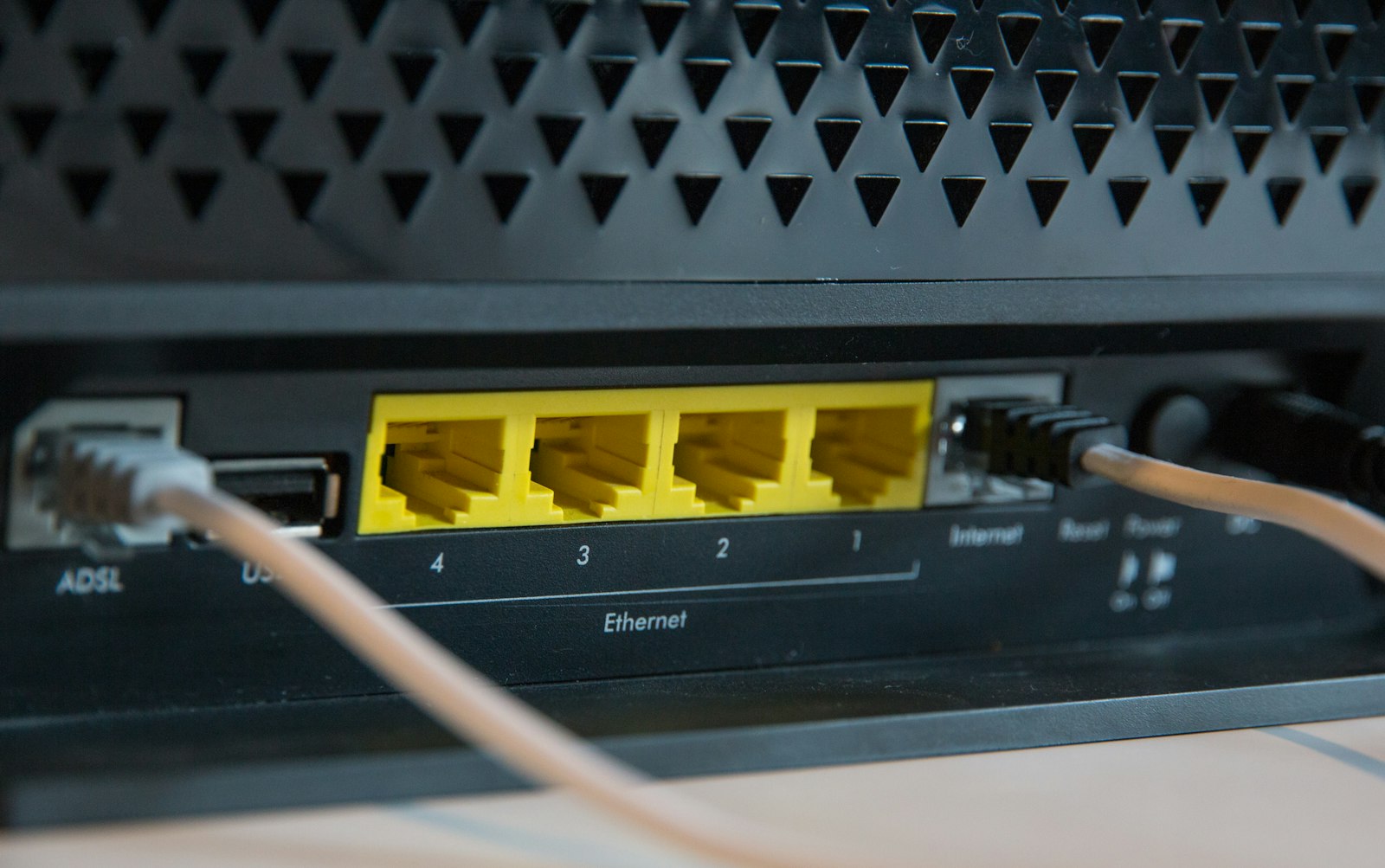
No. 3, best for extra outlets under $90: the CyberPower ST425, $80.99 and in stock. It has four battery outlets and four surge-only outlets, with a right-angle plug on a five-foot cord. CyberPower’s specification page lists 425 VA and 260 watts, simulated sine wave output, six minutes of runtime at half load and 1.5 minutes at full load, with a typical recharge time of eight hours. The listing says the three-year warranty includes the battery. The catch, according to the same specification page, is that you cannot replace the battery yourself.
See the current price on Amazon.ca
CyberPower EC850LCD

No. 4, best for a home office: the CyberPower EC850LCD, $149.99 against a list price of $161.93. It has six battery outlets and six surge-protected outlets, three of which have an Eco mode that cuts power to computer accessories when the computer is off or asleep. Keep your modem and router in the battery section, not the Eco outlets. A small screen shows battery and power conditions. CyberPower lists 850 VA and 510 watts, 7.9 minutes at half load and 2.3 minutes at full load. As with the ST425, the output is simulated sine wave and the battery is not user-replaceable. It is more than most people need for networking gear alone.
See the current price on Amazon.ca
Amazon Basics 400VA standby UPS

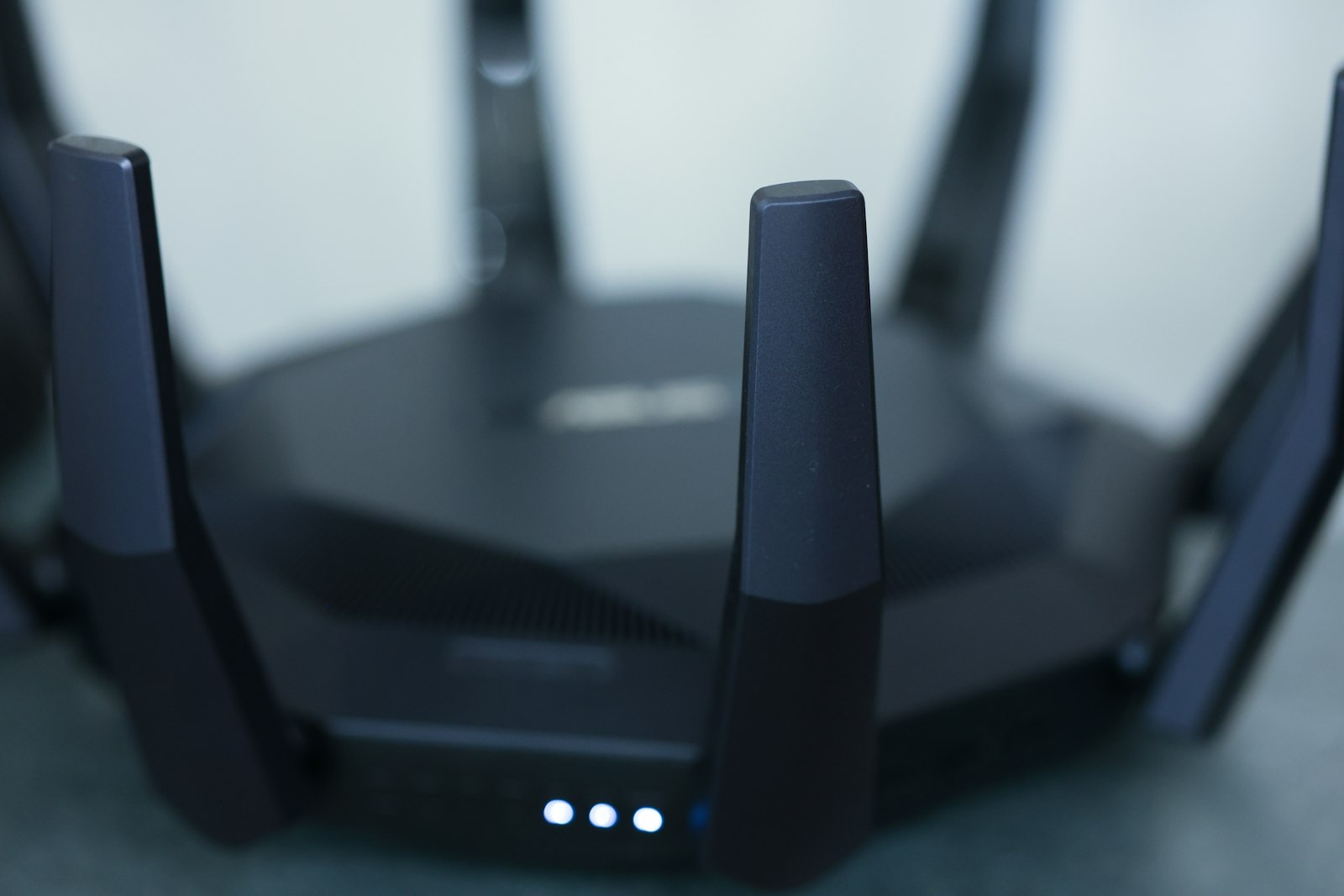
No. 5, lowest price: the Amazon Basics 400VA unit at $70.72. Amazon’s data marked it as available from a later date, not as in stock, when we checked, so look at the delivery estimate before ordering. The listing gives 400 VA and 255 watts, three outlets with battery backup and surge protection, three with surge protection only and a five-foot cord. It advises keeping the load below 80 per cent of the rated capacity. The feature list we checked gave no runtime figure, which makes it hard to compare. It is about $9 less than the BE425M, a small saving for one fewer battery outlet.
See the current price on Amazon.ca
How to choose a router battery backup in Canada
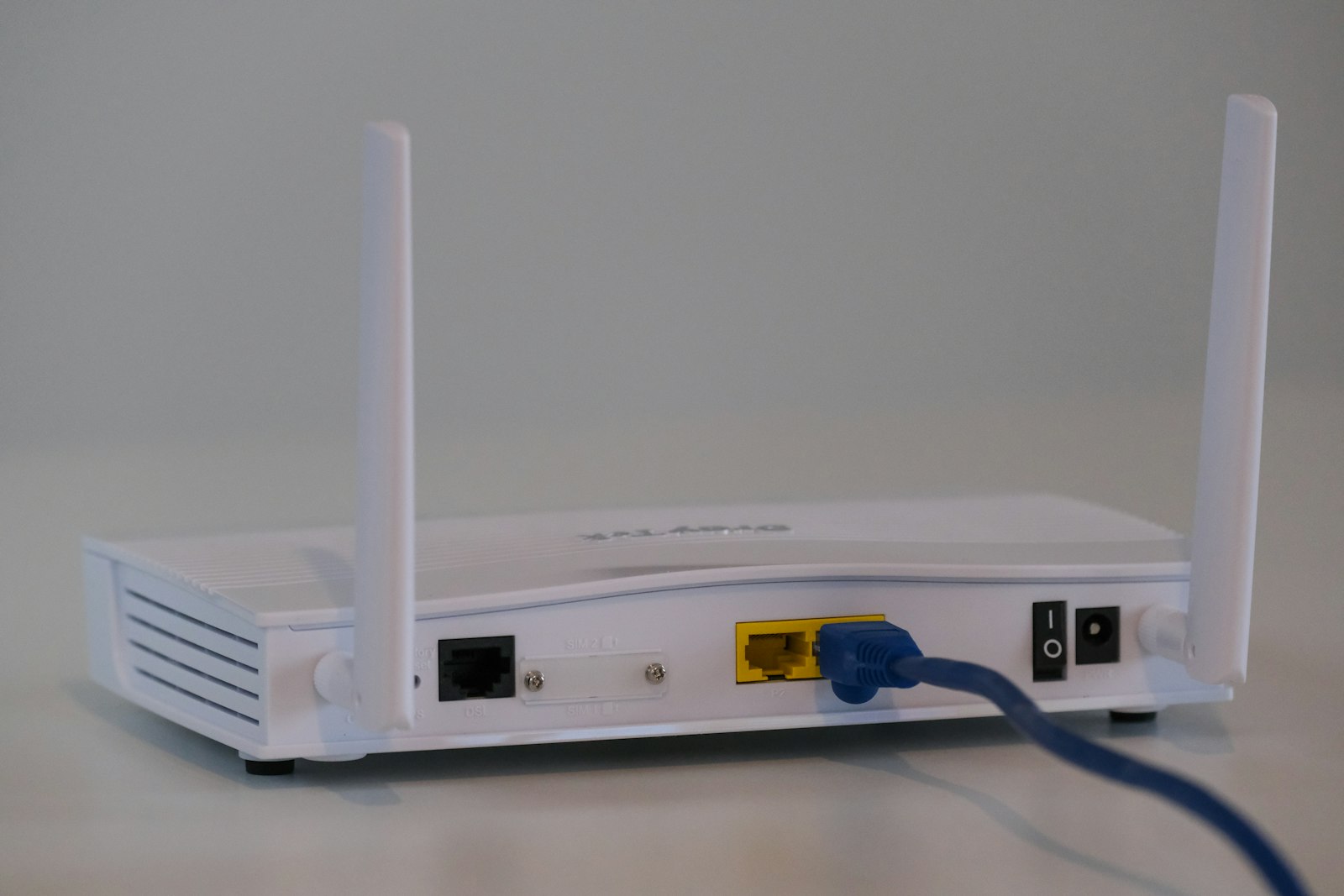
Start by counting the boxes your internet needs. A cable or DSL home may have a modem and a router, or one device that does both. A fibre home may also have an optical network terminal, and mesh systems add satellite units in other rooms. The modem or fibre terminal and the main router must both have power, and each needs a battery-backed outlet. Check that bulky power adapters will fit side by side.
Next, estimate the load. The label on a power adapter usually shows output volts and amps; multiplying them gives the most the adapter can supply, which is often more than the device actually draws. A plug-in power meter gives a better reading. VA is not the same as watts, so compare your total with the watt rating. Runtime falls as the load rises, and published figures apply only to the stated load. Batteries also lose capacity with age.
If you rely on a home phone that runs through your internet equipment, take extra care. Northwestel, for example, tells its fibre home phone customers that the service, including 911 access, will not work in an outage unless backup power is correctly installed and the battery still has charge. It also notes that most cordless phones need electricity. Ask your own provider what its equipment requires, and keep a charged cellphone as a backup.
Check the warranty terms before buying. The equipment guarantees on these units have conditions, and the ST425 listing states its amount in U.S. dollars, so read how a Canadian claim works. Small UPS units contain heavy batteries, so follow the manual on placement, ventilation and disposal. Do not plug in space heaters, kettles or other high-draw appliances. For longer outages, see our guide to portable power stations in Canada, and check whether a station switches over quickly enough for your gear.
On timing, Black Friday in Canada is Nov. 27, 2026. We cannot say whether any of these units will be cheaper then. Compare the price at checkout with the prices above, and do not wait on a deal if bad weather is already in the forecast.
How long will a UPS run a Wi-Fi router? It depends on the total watts drawn and the age of the battery. APC’s Amazon.ca listings give up to 15 minutes for the BE425M and 23 minutes for the BE600M1 at 100 watts. A lighter load should last longer, but measure your own equipment rather than relying on a guess.
Will my internet work during a power outage if I have a UPS? Only if your modem or fibre terminal and your router all have power and your provider’s network is still working. A UPS cannot fix a cut line or an outage on the provider’s side.
Do I need a pure sine wave UPS for a router? Check the instructions for your equipment and its power adapter. CyberPower lists simulated sine wave output for both of its models here. Pure sine wave units are sold at higher prices and are worth considering if a device maker calls for one.
Can I plug other devices into the UPS? Yes, within its watt rating, but every extra device on a battery outlet shortens the runtime. Use the surge-only outlets for items that do not need to stay on, and never connect heaters or other high-draw appliances.
How we chose. We searched Amazon.ca through Amazon’s official product data service on Nov. 25 and kept new units sold by Amazon.ca from established brands at under $150, with enough outlets for a modem and router. We left out renewed units, larger desktop models and the small DC “mini UPS” packs we found from third-party sellers, whose voltage and plug compatibility need to be matched carefully to each router. Specifications come from the listings and, for CyberPower, its own product pages. APC’s product pages did not load for our check, so its figures come from the Amazon.ca listings. We did not test any unit, and the data we used does not include star ratings or customer reviews. The order reflects fit for the job, not commission.
Sources: Amazon.ca product data and listings; CyberPower specification pages for the ST425 and EC850LCD; Northwestel customer support; Ontario Energy Board utility filings as reported by Canada News Media.
For related gear, see our guides to surge protectors, Wi-Fi routers and Wi-Fi extenders, or browse the Amazon Picks Canada hub.
If you find reporting like this useful, consider supporting Canada News Media, an independently owned Canadian newsroom.
Follow Canada News Media
Get the day's top Canadian stories and our two daily 60-second news videos wherever you scroll.
X Threads Facebook Instagram LinkedIn TikTok YouTube Pinterest Reddit Substack Flipboard Newsletter RSS
Shop all our picks on Amazon.ca
Browse every list from our buying guides, plus best sellers, Christmas gifts and holiday outfits, in the Canada News Media storefront on Amazon.ca. We earn a commission on qualifying purchases.