




By the Amazon Picks Desk, Canada News Media. We research products from real Amazon.ca listings and customer reviews; we have not tested them ourselves.
Disclosure: As an Amazon Associate, we may earn a commission from qualifying purchases made through this link.
The best 4K monitor for working from home in Canada depends on your budget and your computer. The Samsung ViewFinity S7 and LG 27BA45U-B suit tight budgets at about $230 to $260, the Dell S2725QS adds a 120Hz refresh rate at about $420, and the LG Ultrafine USB-C model at about $430 suits MacBook users. Prices are from Amazon.ca as of Oct. 23, 2026.
| Monitor | Price (Oct. 23) | Refresh rate | Best for |
|---|---|---|---|
| Samsung ViewFinity S7 27-inch | $229.99 | 60Hz | Lowest price |
| LG Ultrafine 27BA45U-B | $259.99 | 60Hz | Everyday office work |
| MSI PRO MP273U | $279.99 | 60Hz | Wide colour gamut on a budget |
| Dell 27 S2725QS | $419.99 | 120Hz | Smooth scrolling and crisp text |
| LG Ultrafine 27 USB-C (90W) | $429.99 | 60Hz | One-cable laptop setups |
| Dell 27 S2725QC | $449.99 | 120Hz | 120Hz with USB-C |
Samsung ViewFinity S7 27-inch 4K (LS27H710EANXZA)
This is the cheapest 4K option here at $229.99, sold and shipped by Amazon.ca, and it suits anyone who wants sharper text than a 1080p screen without spending much. The listing shows a 27-inch IPS panel, 3840 by 2160 resolution, a 60Hz refresh rate, 5 ms response time and HDR10 support over HDMI. It has 4.5 stars from 37 ratings, so the sample is small. Reviewers praise the colours and the thin bezel. One reviewer reported the screen cutting out and turning fuzzy. Skip it if you want a deep review history or 120Hz.
See the current price on Amazon.ca
LG Ultrafine 27BA45U-B
At $259.99 this LG is a sensible default for spreadsheets, email and video calls. Amazon.ca lists a 27-inch 4K IPS panel at 60Hz with HDR10, 90 per cent DCI-P3 colour coverage and a stand that tilts, swivels and raises 150 mm. It has 4.4 stars from 81 ratings. Buyers call it good value for most people and several use it with a Mac mini. The most common complaint is the lack of automatic input switching, and one reviewer said it feels less polished than other LG screens. Skip it if you switch between two computers all day.
See the current price on Amazon.ca
MSI PRO MP273U
The MSI costs $279.99 and is aimed at multitaskers and people who care about colour. The listing claims 99 per cent DCI-P3 coverage and an IPS panel with 178-degree viewing angles, plus an eye-comfort reminder feature. It has 4.1 stars from 123 ratings, the lowest score on this list. Reviewers say the size, price and resolution fit office work, and some pair it with a Mac mini. Others note it is not a true HDR display and mention occasional glitches. Skip it if HDR matters.
See the current price on Amazon.ca
Dell 27 S2725QS
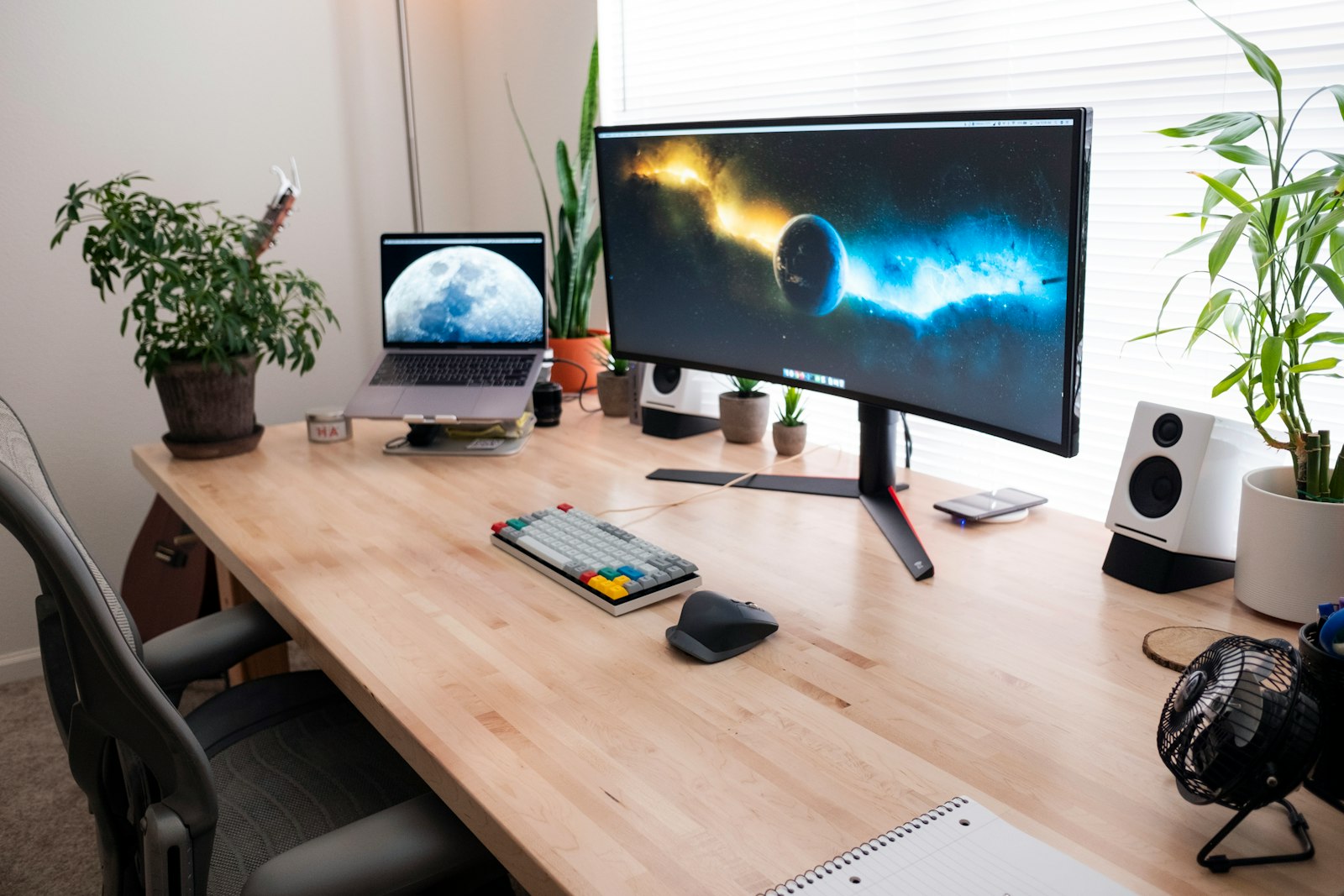
The Dell is the best-reviewed monitor here, with 4.6 stars from 1,042 ratings at $419.99. It is a 27-inch 4K IPS display with a 120Hz refresh rate, 4 ms response, AMD FreeSync Premium, 99 per cent sRGB coverage, HDMI and DisplayPort inputs, and built-in speakers. Reviewers praise crisp text and good colour in Photoshop and Illustrator, and one says you must switch on 120Hz in the monitor menu. Complaints include one buyer who received a unit that was not new and another who warned about image retention. It has no USB-C port, so pick the S2725QC below if you need one. Skip it if your laptop only outputs over USB-C.
See the current price on Amazon.ca
LG Ultrafine 27 USB-C with 90W charging
For a MacBook or Windows laptop, this $429.99 LG can display and charge over one USB-C cable at up to 90W. The listing shows a 27-inch 4K IPS panel, VESA DisplayHDR 400, 95 per cent DCI-P3 and a fully adjustable stand. It has 4.4 stars from 536 ratings. Reviewers like the sharp image and the MacBook connection. Complaints include coil whine on one unit, uneven brightness, and a large stand that eats desk space. Skip it if you have a small desk.
See the current price on Amazon.ca
Dell 27 S2725QC
The S2725QC is the top-priced pick at $449.99 and combines the 120Hz 4K panel with USB-C. It has 4.4 stars from 896 ratings, and the listing highlights ComfortView Plus low blue light and FreeSync Premium. One reviewer preferred it to a Dell model costing about $1,000. Another reported a loose USB-C port and a unit that failed on day one, so check your return window. Skip it if you do not need USB-C, because the S2725QS costs $30 less.
See the current price on Amazon.ca

How to choose a 4K monitor in Canada
Start with your computer’s ports. Many laptops can run a monitor and charge over USB-C, while a desktop or Mac mini usually needs HDMI or DisplayPort. A 60Hz panel is fine for documents and video calls, and 120Hz makes scrolling smoother. For performance measurements, independent labs such as RTINGS test monitors with instruments, which a listing cannot do. Check the warranty is honoured in Canada by buying from Amazon.ca or an authorized seller, and note that French keyboards are not an issue for monitors but speaker and menu languages are. Big sales usually land around Black Friday on Nov. 27, so watch prices before then. See our laptop guide and mesh Wi-Fi guide for the rest of a home office, or browse all Amazon Picks.
Frequently asked questions
Is 4K worth it on a 27-inch monitor?
Yes for most office users. A 27-inch 4K screen shows noticeably sharper text than 1080p and gives room for two windows side by side.
Do I need USB-C?
Only if your laptop charges and outputs video over USB-C and you want one cable. The two USB-C models here are the LG at $429.99 and the Dell S2725QC at $449.99.
Is 120Hz necessary for work?
No. It makes motion smoother, but 60Hz is enough for documents and calls.
How we chose. We searched Amazon.ca for 27-inch 4K monitors between $200 and $600, kept models sold and shipped by Amazon.ca, and read listing specs and recent customer reviews, including critical ones. We have not tested these monitors. Prices, ratings and review counts are from the listings on Oct. 23, 2026 and may change.
If you find reporting like this useful, consider supporting Canada News Media, an independent Canadian newsroom with no corporate parent.
Follow Canada News Media
Get the day's top Canadian stories and our two daily 60-second news videos wherever you scroll.
X Threads Facebook Instagram LinkedIn TikTok YouTube Pinterest Reddit Substack Flipboard Newsletter RSS