


Apple’s second beta version of iOS 14, released on Tuesday to developers, is packed full of small UI refinements and other notable features. This video covers them all.
Here’s everything new that we’ve found in iOS 14 beta 2. Get a better look by checking out our hands-on video.
New features and changes
-
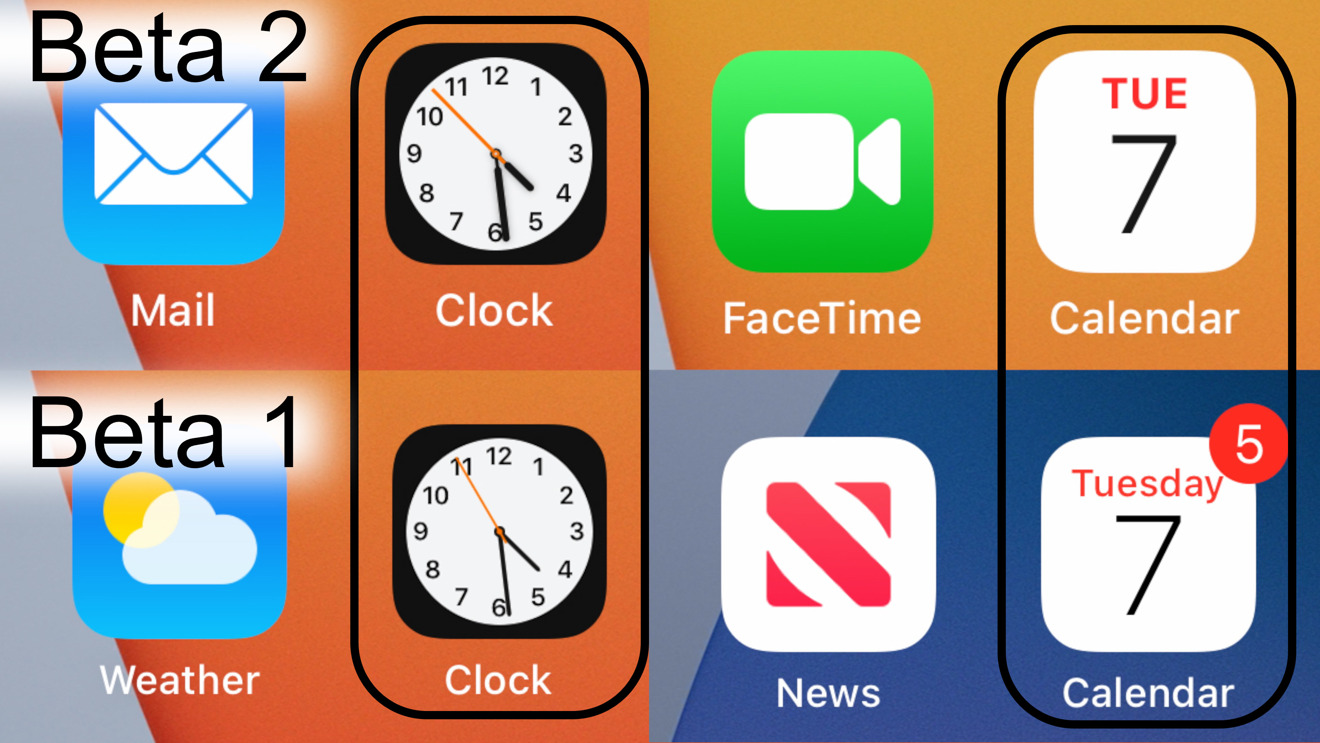
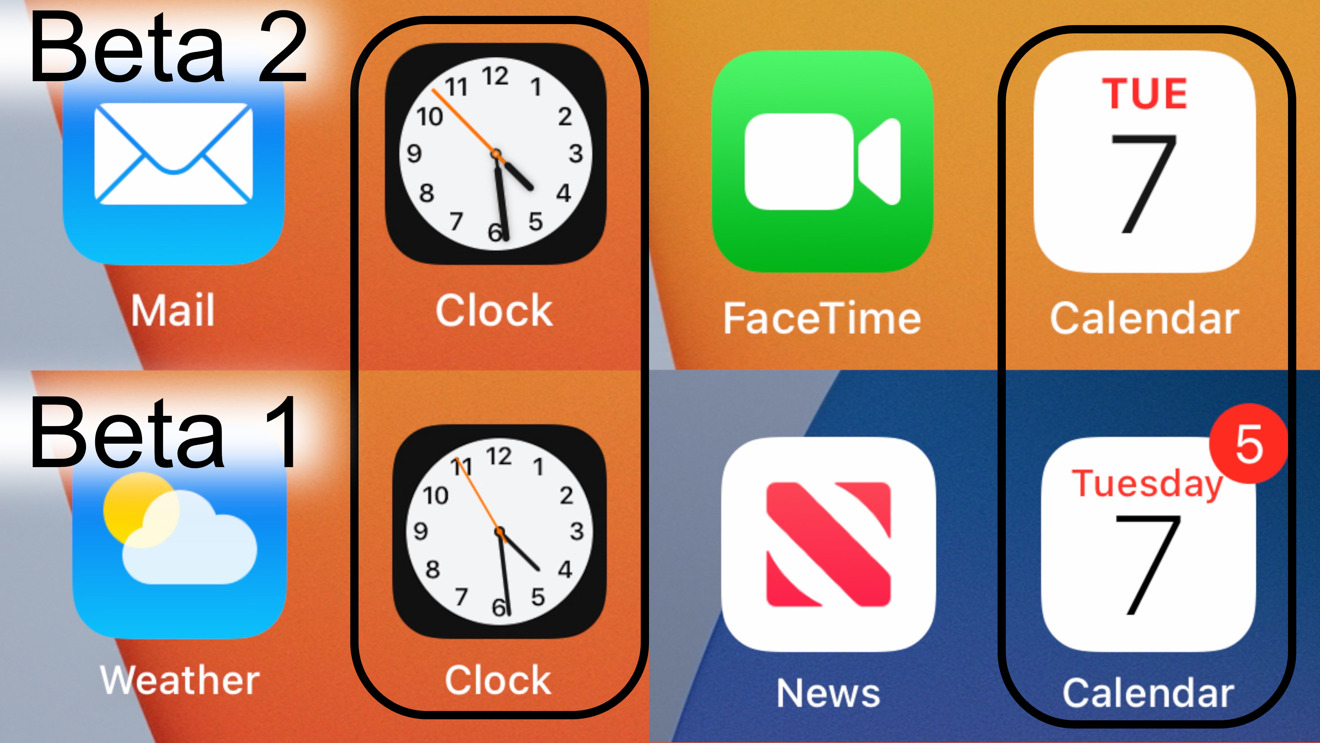
- New calendar icon: The icon for the Calendar app now has the day of the week abbreviated instead of spelled out.
-
- Clock icon: The app icon for Clock has similarly been updated with thicker hands.
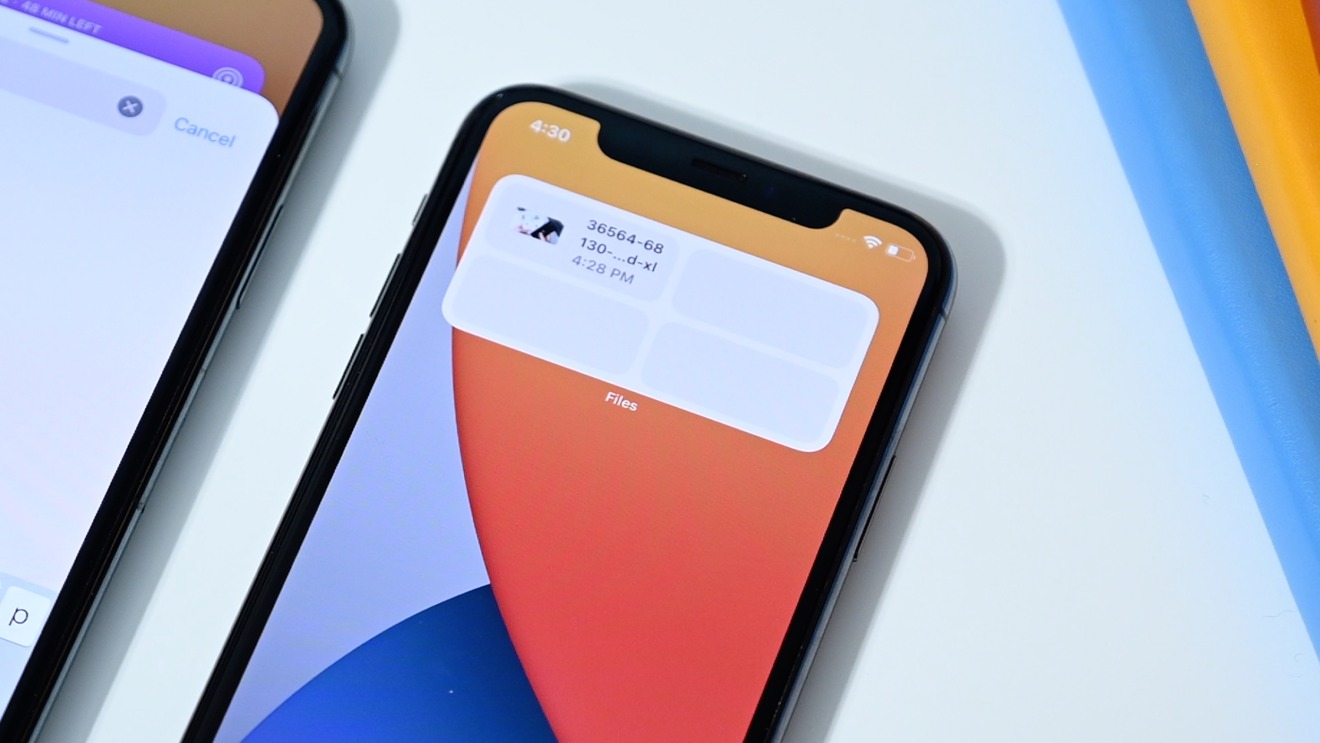
New Recent widget for Files app in iOS 14 beta 2
-
- New Files widget: Users can now add a Files widget to the Today view in small, medium or large sizes.
- Reminders widget: The small Reminders widget now shows a task along with the count.
Widget button color matches app color in iOS 14 Beta 2 (right)
-
- Widget add button matches the color of widget you are adding (Thanks to iHactuPro!
- Photos widget now comes in new 4×4 size (Thanks Nathanael Dufresne!)
- Old-style widgets are now the same width as the new-style widgets (Thanks Nathanael Dufresne!)
- Clipboard notification: Clipboard notifications now show which iCloud device you pasted from.
- Podcasts swap: The Library and Browse tabs have swapped places in Podcasts.
- Tweaked Home screen removal text: Apps added to the App Library — but not the Home screen — can now be deleted directly from within the App Library. The text has been updated to reflect that.
- Default audio apps on HomePod: Users can now select a third-party service as the default audio service for music, podcasts or audiobooks on HomePod.
- Tracking Report: Apple has renamed Track Report to “Privacy Report.” Trackers now work in the feature.
- Location Services banner: Apple has updated the Location Services disabled banner to read “Location Services is off.”
- Buttons within the Music app now have Haptic feedback
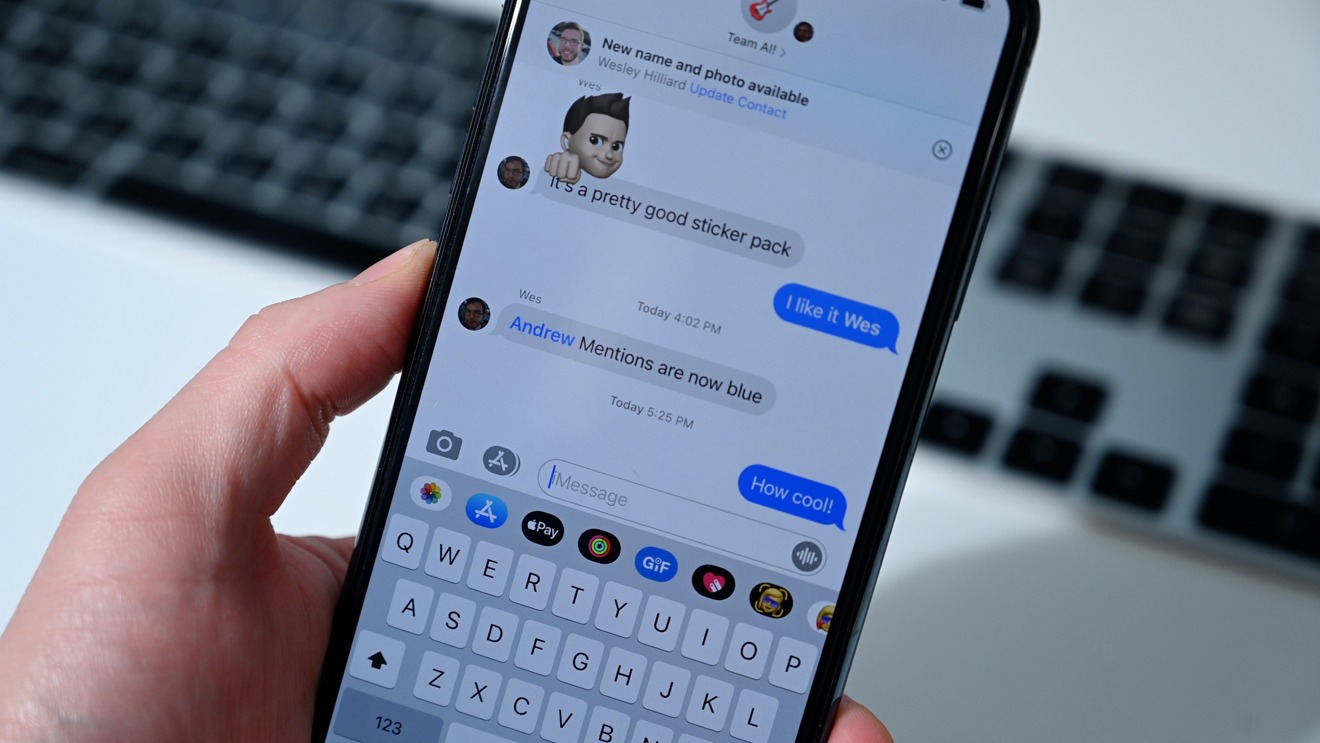
Messages mentions are now blue in iOS 14 beta 2
- Mentions in the Messages app now appear in blue
- iPadOS Home app: Automations now appear in sidebar in the Home app on iPad.
- Hidden feature reveals Apple Pay might soon support QR codes with Code Payments.
Settings
Non-exhaustive
While we’ve done our best to track down any changes we’ve found in this beta, it is by no mean an exhaustive list of everything Apple’s changed this time around.
Source: – AppleInsider