



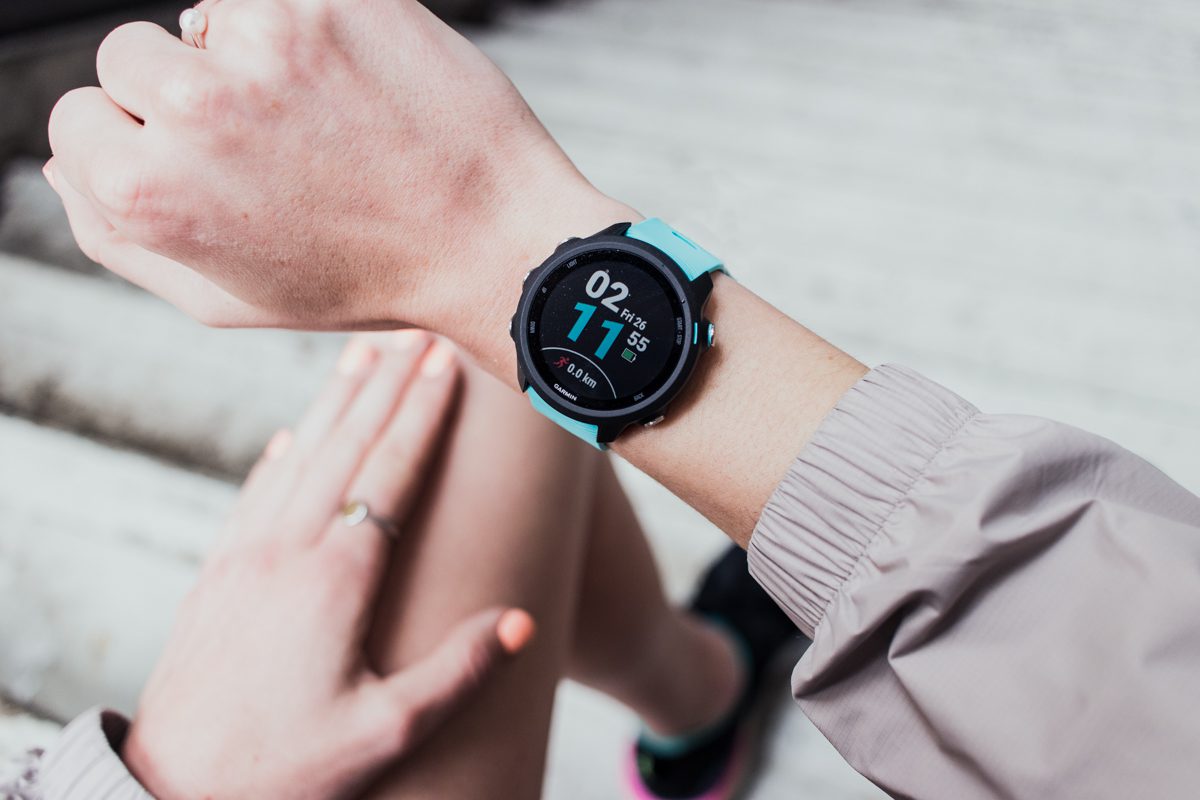
The Garmin.com website was back up and running Friday after being knocked offline Thursday, but the Garmin Connect app that thousands of runners rely on to track their workouts was still undergoing maintenance as a result of the global outage. The website is currently displaying the following message: “We are currently experiencing an outage that affects Garmin.com and Garmin Connect. This outage also affects our call centres, and we are currently unable to receive any calls, emails or online chats. We are working to resolve this issue as quickly as possible and apologize for this inconvenience.” The company tweeted a similar message Thursday.
Inspiration #garmindown pic.twitter.com/HDCeEyY1w5
— Callum Rowlinson (@callumrowlinson) July 23, 2020
It’s not known whether any customer data was compromised during the outage, which flummoxed athletes all over the world Thursday as they attempted to upload their activity.
RELATED: REVIEW: Garmin Forerunner 245 with music
Garmin has not said when the app will be back up. An internal memo leaked by a Taiwanese tech news site says there will be two days of maintenance, though this has not been confirmed by the brand.
ADVERTISEMENT
The cause of the outage is not yet public knowledge, though some news sources speculate that it was caused by a ransomware attack.
It’s time to play The Garmin Game! @Garmin #garmindown @runcamille #YiannisKouros pic.twitter.com/UCNP7k0PjU
— Roberto De Vido (@robertodevido) July 24, 2020
Fortunately, it’s possible to upload your activity to Strava manually, bypassing Garmin Connect. Here’s how:
Plug your Garmin into your computer using the USB you use to charge it. Navigate to Devices on Finder and click on your Garmin (Mac) or on the Garmin device under your File Explorer (PC). Click on the Activity folder and find the .fit file for today’s activity.
Go to Strava.com, click the + button at the top right corner, click Upload Activity, then File on the left.

Follow Canada News Media
Get the day's top Canadian stories and our two daily 60-second news videos wherever you scroll.
X Threads Facebook Instagram LinkedIn TikTok YouTube Pinterest Reddit Substack Flipboard Newsletter RSS