






By the Amazon Picks Desk, Canada News Media. We research products from real Amazon.ca listings and customer reviews; we have not tested them ourselves.
Disclosure: As an Amazon Associate, we may earn a commission from qualifying purchases made through the links in this article.
The best wireless mouse for most Canadians is the Logitech Signature M650 L at $44.99 on Amazon.ca, a full-size, quiet-click model with a two-year battery. Shoppers on a tighter budget can start at $24.99 with the Logitech M240, while heavy daily users have the $99.99 MX Master 3S.
Updated Oct. 29, 2026. Prices, star ratings and review counts were read from the Amazon.ca listings on that date and may change. Each of the six mice below was listed as shipped and sold by Amazon.ca, not a third-party seller.
| Mouse | Price (CAD) | Rating | Connection | Best for |
|---|---|---|---|---|
| Logitech Signature M650 L | $44.99 | 4.6 (13,130) | Wireless | Most people with larger hands |
| Logitech M240 | $24.99 | 4.5 (11,884) | Bluetooth | Tight budgets and quiet rooms |
| Logitech Pebble Mouse 2 M350s | $34.99 | 4.5 (2,925) | Bluetooth | Slim laptop bags and tablets |
| Logitech POP Mouse | $34.98 | 4.6 (3,778) | Bluetooth | Travel and small hands |
| Logitech M720 Triathlon | $54.10 | 4.4 (13,028) | Bluetooth and receiver | Switching between computers |
| Logitech MX Master 3S | $99.99 | 4.5 (732) | Bluetooth only | All-day office and creative work |
A decent wireless mouse is one of the cheapest upgrades for a laptop desk. Retailers usually push peripherals during Black Friday on Nov. 27 and again around Boxing Day, but the listing prices above are what Amazon.ca showed on Oct. 29. Our sister guides cover the rest of a work-from-home setup, including laptops for students, 4K monitors for working from home and webcams for video calls.
Logitech Signature M650 L
This is the pick for anyone who spends a full day at a desk and finds compact mice cramped. Logitech lists it as a full-size mouse for large hands, with silent clicks, customizable side buttons and a two-year battery, and it works with PC, Mac and Chromebook. Amazon.ca showed $44.99 against a list price of $59.99, a 4.6 rating from 13,130 reviews, and more than 500 bought in the past month. Who should skip it: people with small hands, because Logitech sells a separate small-to-medium version, and anyone who wants a very light travel mouse.
See the current price on Amazon.ca

Logitech M240
The M240 is the budget buy for shared offices, libraries and anyone who types next to a sleeping partner. Its listing describes a compact Bluetooth mouse with no USB receiver, quiet clicks, three non-customizable buttons and an 18-month battery. It was $24.99 against a $29.99 list price, rated 4.5 from 11,884 reviews, with more than 2,000 bought in the past month. Who should skip it: anyone who wants programmable buttons, and desktop users whose computers lack Bluetooth, since there is no receiver in the box.
See the current price on Amazon.ca
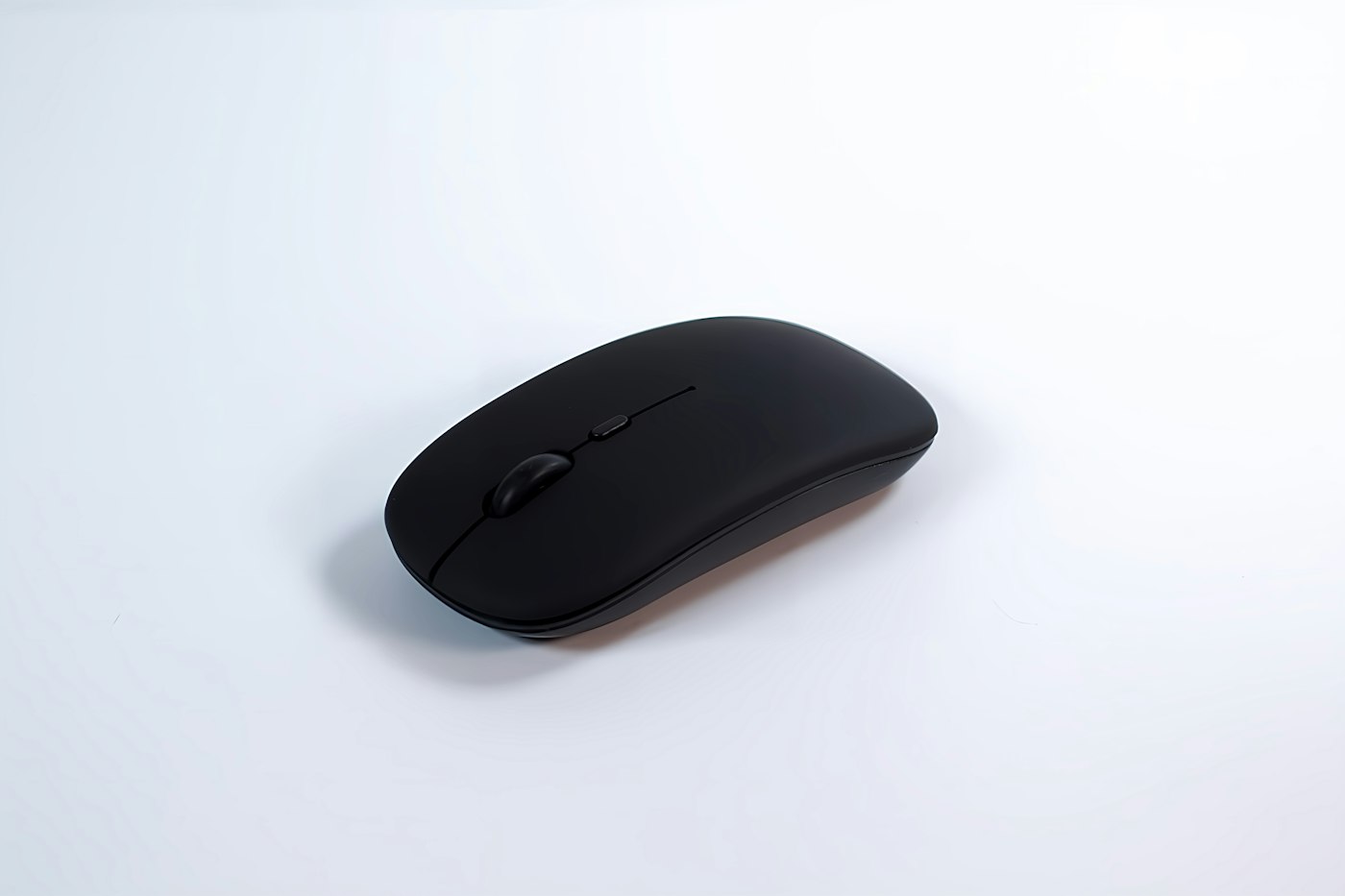
Logitech Pebble Mouse 2 M350s
The Pebble Mouse 2 is a flat, light Bluetooth mouse for people who carry a laptop or tablet every day. Amazon.ca describes it as slim and portable with quiet clicks, one customizable button and easy switching between Windows, macOS, iPadOS, Android and ChromeOS. It was $34.99, rated 4.5 from 2,925 reviews, with more than 500 bought in the past month. Who should skip it: people with larger hands, who may find a flat shape tiring over a long day, and anyone who wants a receiver for a desktop PC.
See the current price on Amazon.ca
Logitech POP Mouse
The POP Mouse suits students and travellers who want something compact with a little personality. The listing describes a portable Bluetooth design with programmable buttons, quiet clicks and easy-switch pairing for up to three devices, for laptop, tablet and PC. In graphite it was $34.98 against a $39.99 list price, rated 4.6 from 3,778 reviews. Who should skip it: anyone who wants a full-size grip, since this is a compact mouse.
See the current price on Amazon.ca
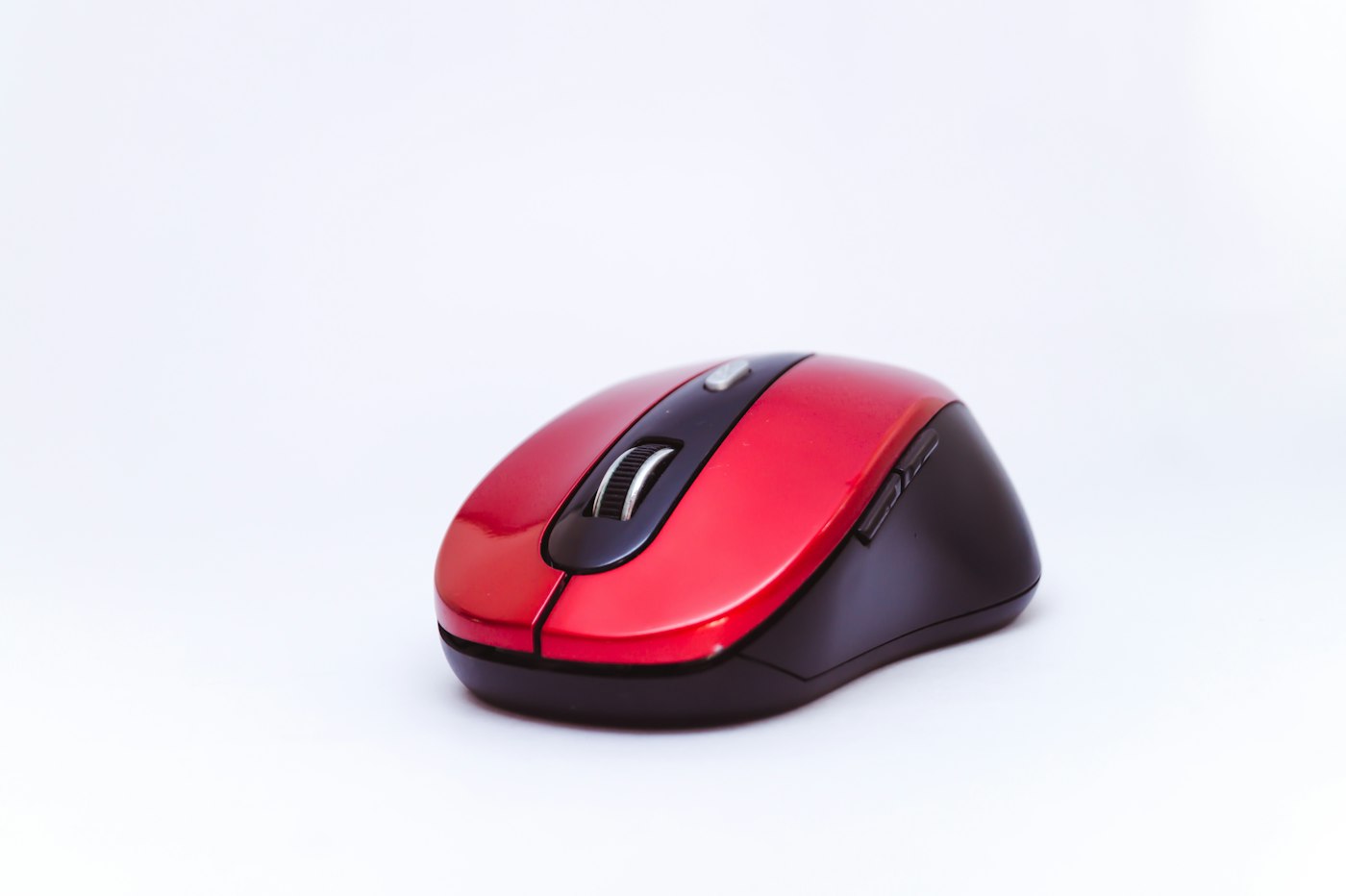
Logitech M720 Triathlon
The M720 is aimed at people who move between a work laptop and a home computer. Its listing says it connects by Bluetooth or the included USB-A receiver, pairs with up to three devices, works with Logitech Flow and has six customizable buttons, in a full-size shape. It was $54.10 against a $59.99 list price, rated 4.4 from 13,028 reviews, with more than 1,000 bought in the past month. Who should skip it: anyone who wants silent clicks, because the listing does not advertise them.
See the current price on Amazon.ca
Logitech MX Master 3S Bluetooth Edition
This is the splurge for editors, spreadsheet users and anyone who lives in a mouse all day. Logitech lists MagSpeed scrolling, 8,000 DPI tracking on any surface, quiet clicks and programmable buttons, with Bluetooth for Windows, Mac, Linux and ChromeOS. It was $99.99 against a $139.99 list price, rated 4.5 from 732 reviews, with more than 1,000 bought in the past month. This edition has no USB receiver, so check that your computer has Bluetooth. Who should skip it: anyone who only browses and sends email, since the cheaper mice above cover that job.
See the current price on Amazon.ca
How to choose a wireless mouse in Canada
Start with size. A mouse that is too small for your hand is the most common reason people regret a purchase, so match the shape to your palm before you chase features. Next, check the connection. Bluetooth mice need no port, but older desktops may lack Bluetooth, and then a model with a USB receiver is the safer choice. Quiet clicks matter in shared homes and offices, and a rechargeable or long-life battery means fewer replacements.
Warranty is the Canadian wrinkle. Buying from Amazon.ca, rather than a marketplace seller, means returns run through Amazon.ca, and Logitech publishes its own limited hardware warranty for Canadian buyers on its site. Keep the receipt, and avoid cut-price units shipped from outside Canada, which may not be covered. Mice use no keyboard layout, so French-Canadian buyers face no extra choice here, unlike with laptops.

Frequently asked questions
Is a Bluetooth mouse better than one with a USB receiver?
Neither is better outright. Bluetooth frees a USB port and suits laptops and tablets, while a receiver works on desktops without Bluetooth. The M720 offers both, according to its listing.
Which wireless mouse is quietest?
Among these six, the M240, M650 L, Pebble Mouse 2, POP and MX Master 3S are all listed with quiet or silent clicks. Independent testers such as RTINGS measure click noise if you want outside numbers.
Do I need an expensive mouse for office work?
No. For email, documents and web browsing, a $25 to $45 mouse is enough. Pricier models add faster scrolling, more buttons and multi-computer features.
Will these mice work with a Mac or Chromebook?
The listings name Mac and Chromebook or ChromeOS support for most of them. Check the compatibility line on each Amazon.ca page before buying.
How we chose
We searched Amazon.ca for Logitech wireless mice, sorted by customer rating, and kept models rated 4.4 or higher with at least several hundred reviews, covering budget, compact, full-size and premium needs. We opened each product page on Oct. 29, 2026 and confirmed it was sold and shipped by Amazon.ca. Specs come from the listings and from Logitech Canada. We did not read individual owner reviews for this guide and we have not tested any of these mice. Gaming mice, third-party-seller listings and bundles were left out. Order reflects fit for most readers, not commission.
If you find reporting like this useful, consider supporting Canada News Media, an independent Canadian newsroom with no corporate parent.
Follow Canada News Media
Get the day's top Canadian stories and our two daily 60-second news videos wherever you scroll.
X Threads Facebook Instagram LinkedIn TikTok YouTube Pinterest Reddit Substack Flipboard Newsletter RSS