





By the Amazon Picks Desk, Canada News Media. We research products from real Amazon.ca listings and customer reviews; we have not tested them ourselves.
Disclosure: As an Amazon Associate, we may earn a commission from qualifying purchases made through this link.
The best USB-C hub for most Canadians is the Anker 7-in-1, which costs $32.99 on Amazon.ca and adds 4K HDMI, USB and card slots while charging the laptop. People who want wired internet should look at the UGREEN Revodok Pro at $43.99, and those running several monitors need a dock. Prices were checked on Nov. 6, 2026.

Quick picks
| Hub or dock | Price on Amazon.ca | Video output | Standout feature |
|---|---|---|---|
| Anker 7-in-1 | $32.99 | 1 HDMI, 4K at 60 Hz | 85W pass-through charging |
| Hiearcool 7-in-1 | $23.99 | 1 HDMI, 4K at 30 Hz | Lowest price |
| UGREEN Revodok Pro | $43.99 | 1 HDMI, 4K at 60 Hz | Gigabit Ethernet |
| MOKiN 14-in-1 | $57.99 | 2 HDMI and 2 DisplayPort | Three-screen desk |
| Plugable Thunderbolt 4 | $272.95 | 2 HDMI, up to dual 4K at 60 Hz | 40Gbps Thunderbolt 4 |
Prices are accurate as of Nov. 6, 2026, and may change.
Anker 7-in-1 USB-C Hub with 4K HDMI

Price: $32.99 on Amazon.ca as of Nov. 6, 2026. Customer rating: 4.5 stars from 10,212 ratings, with more than 2,000 bought in the past month, according to the listing.
Sold by AnkerDirect-CA and shipped by Amazon, this is the best-reviewed hub in the guide and the one with the most useful balance of ports for a thin laptop. Anker lists one HDMI port with 4K at 60 Hz output, two USB-A 3.0 ports and one USB-C data port, all at 5Gbps, plus SD and microSD card slots. A USB-C power input passes charging through to the laptop at up to 85W, and Anker backs it with an 18-month warranty. Anker notes that only the HDMI port carries video, so the USB-C data port will not drive a second monitor.
Reviewers on the listing praise it for working without lag when several USB devices are plugged in, and one buyer who owns an HP laptop with a single USB-C port called it a perfect fix. One buyer wrote that the hub supports three displays including the laptop on Windows but only two on a Mac, which matches how macOS handles external screens.
Who it is for: students and remote workers with a thin laptop who want one monitor, a mouse dongle, a flash drive and charging from one port. Who should skip it: anyone who needs wired Ethernet or two external monitors.
See the current price on Amazon.ca
Hiearcool 7-in-1 USB-C Hub

Price: $23.99 on Amazon.ca as of Nov. 6, 2026. Customer rating: 4.4 stars from 51,338 ratings, with more than 500 bought in the past month, according to the listing.
Sold by Hiearcool Direct and shipped by Amazon, this is the cheapest pick here and the most reviewed by a wide margin. The listing describes an HDMI port with 4K output at 30 Hz, USB 3.0 ports rated at 5Gbps, SD and microSD card readers and 100W USB-C pass-through charging, all in an aluminum body meant to match a MacBook. The 30 Hz limit is the key detail: it is fine for documents, slides and video calls but looks choppy when moving a mouse or scrolling on a 4K monitor.
Buyers say it works well for plugging a tablet or a MacBook Air into a TV, reading camera memory cards and adding a few ports for a bag. Some reviews are written in French, which suggests Quebec buyers are among its owners.
Who it is for: anyone who wants a low-cost travel hub for presentations, photos and a flash drive. Who should skip it: people who plan to use a 4K monitor all day, who should pay more for a hub that lists 4K at 60 Hz.
See the current price on Amazon.ca
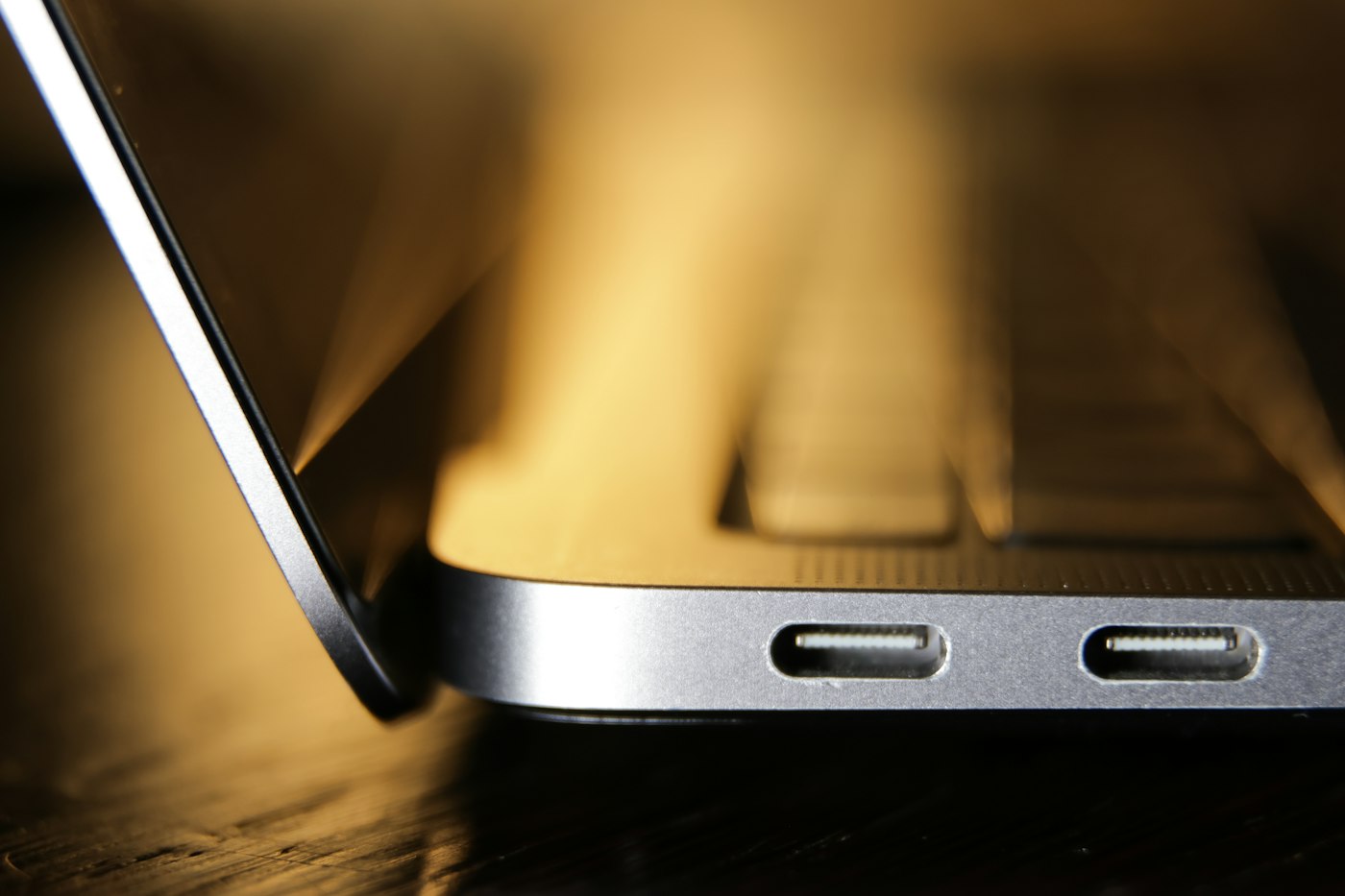
UGREEN Revodok Pro 6-in-1 with Ethernet

Price: $43.99 on Amazon.ca as of Nov. 6, 2026. Customer rating: 4.4 stars from 1,740 ratings, with more than 100 bought in the past month, according to the listing.
Sold by UGREEN Group Limited and shipped by Amazon, the Revodok Pro adds the one port that cheaper hubs skip: Gigabit Ethernet. UGREEN lists a 4K at 60 Hz HDMI port, a Gigabit Ethernet port, 10Gbps USB ports and 85W pass-through charging, with 15W kept back for the other ports. The seller notes that the USB-C data port does not charge devices.
Reviewers describe it as a compact stand-in for a dock. One owner keeps a monitor plugged in at all times, another reports the 4K at 60 Hz and Ethernet claims hold up on a MacBook Air M2, and a third reports that Power Delivery and Ethernet work as expected. The most common complaint is minor, with one reviewer saying the HDMI port sometimes glitches.
Who it is for: home-office workers who want a wired connection and a sharp external screen from one cable. Who should skip it: anyone who needs more than one video output.
See the current price on Amazon.ca
MOKiN 14-in-1 Triple-Monitor Docking Station

Price: $57.99 on Amazon.ca as of Nov. 6, 2026. Customer rating: 4.4 stars from 4,432 ratings, according to the listing.
Sold by MOKIN-Adapter and shipped by Amazon, this is the budget route to a desk with three screens. The listing shows two HDMI ports, two DisplayPort ports, an Ethernet port, two USB-C 3.0 ports, one USB-A 3.0 port, two USB-A 2.0 ports, an SD and microSD reader and a dedicated 100W Power Delivery port. A button on the dock turns the screens off for privacy.
Check the fine print before you count on three monitors. One reviewer says the product image is misleading about 4K at 60 Hz on each output. Multi-monitor docks of this type often depend on the laptop, and many Macs are limited to one or two external screens. Another reviewer said recent MacBooks have too few USB ports for their needs, which is the gap a dock like this fills, and a third said devices plugged into the dock worked without delay.
Who it is for: Windows laptop users who want a wired desk with two or three monitors. Who should skip it: Mac owners with a base chip, who should check Apple’s display limits for their model first.
See the current price on Amazon.ca
Plugable 13-in-1 Thunderbolt 4 Dock
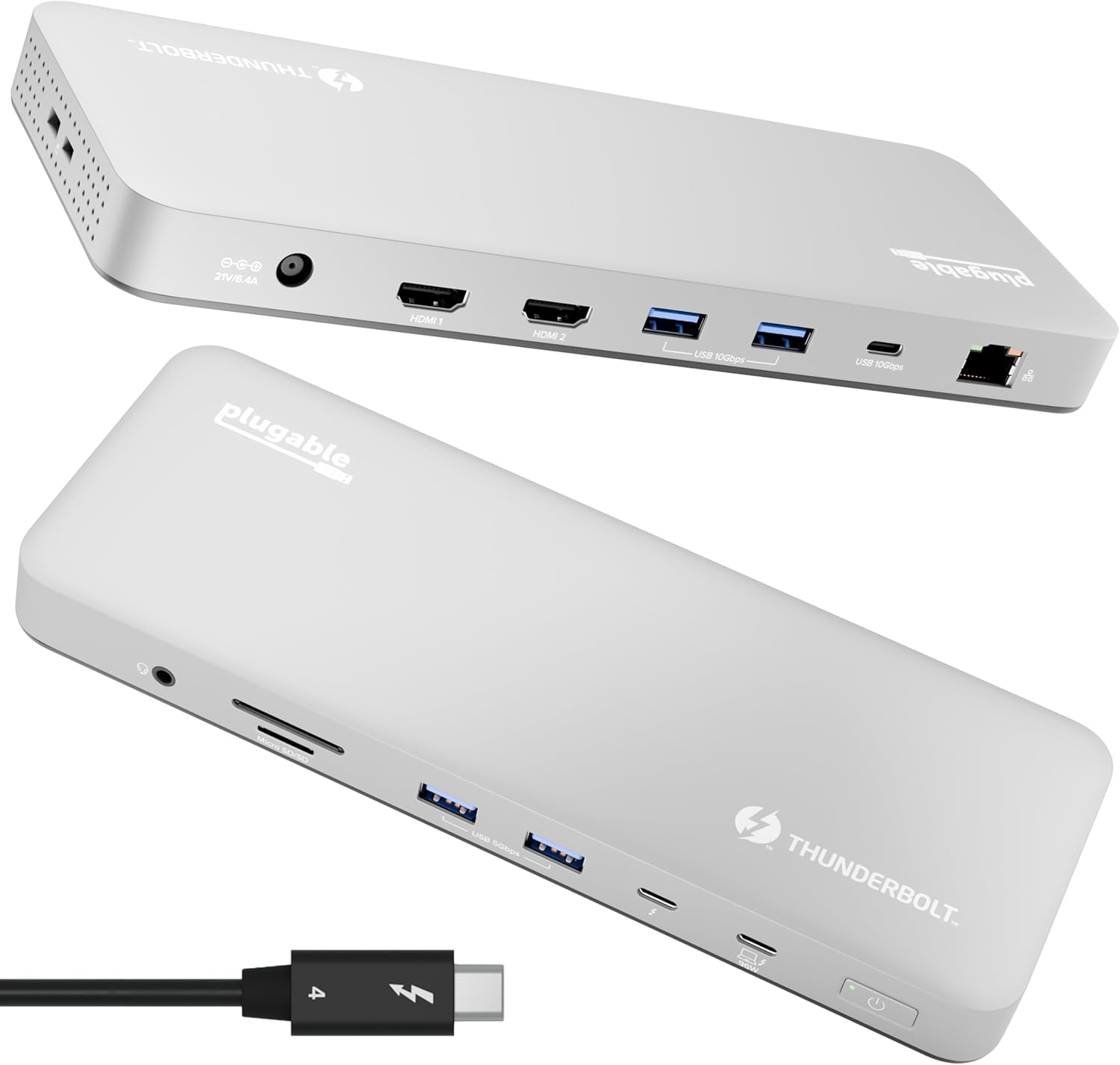
Price: $272.95 on Amazon.ca as of Nov. 6, 2026. Customer rating: 4.0 stars from 176 ratings, with more than 50 bought in the past month, according to the listing.
Sold by Plugable Technologies and shipped by Amazon, this is the premium pick and the only true Thunderbolt 4 dock in the guide. Plugable lists 13 ports, including one downstream Thunderbolt 4 port at 40Gbps, one USB-C port, four USB-A ports, an SD and microSD UHS-II reader, Ethernet, a 3.5 mm audio jack and 100W charging to the laptop. It supports two 4K displays at 60 Hz over HDMI on M4 and M5 Macs and on M-series Pro and Max models, but the seller says base M1 and M2 MacBooks support only a single external display.
Buyers highlight the one-cable workflow, where a laptop plugs in and the screens, keyboard and network connect at once, and one owner swaps between a personal and a work machine by moving one cable. The 4.0 rating is the lowest in this guide and the review count is small, so it is worth reading recent reviews before buying.
Who it is for: Mac owners with a Pro, Max or M4 or M5 chip who want a desk setup with two monitors. Who should skip it: anyone with a basic laptop, who will get better value from the hubs above.
See the current price on Amazon.ca
How to choose a USB-C hub or dock in Canada
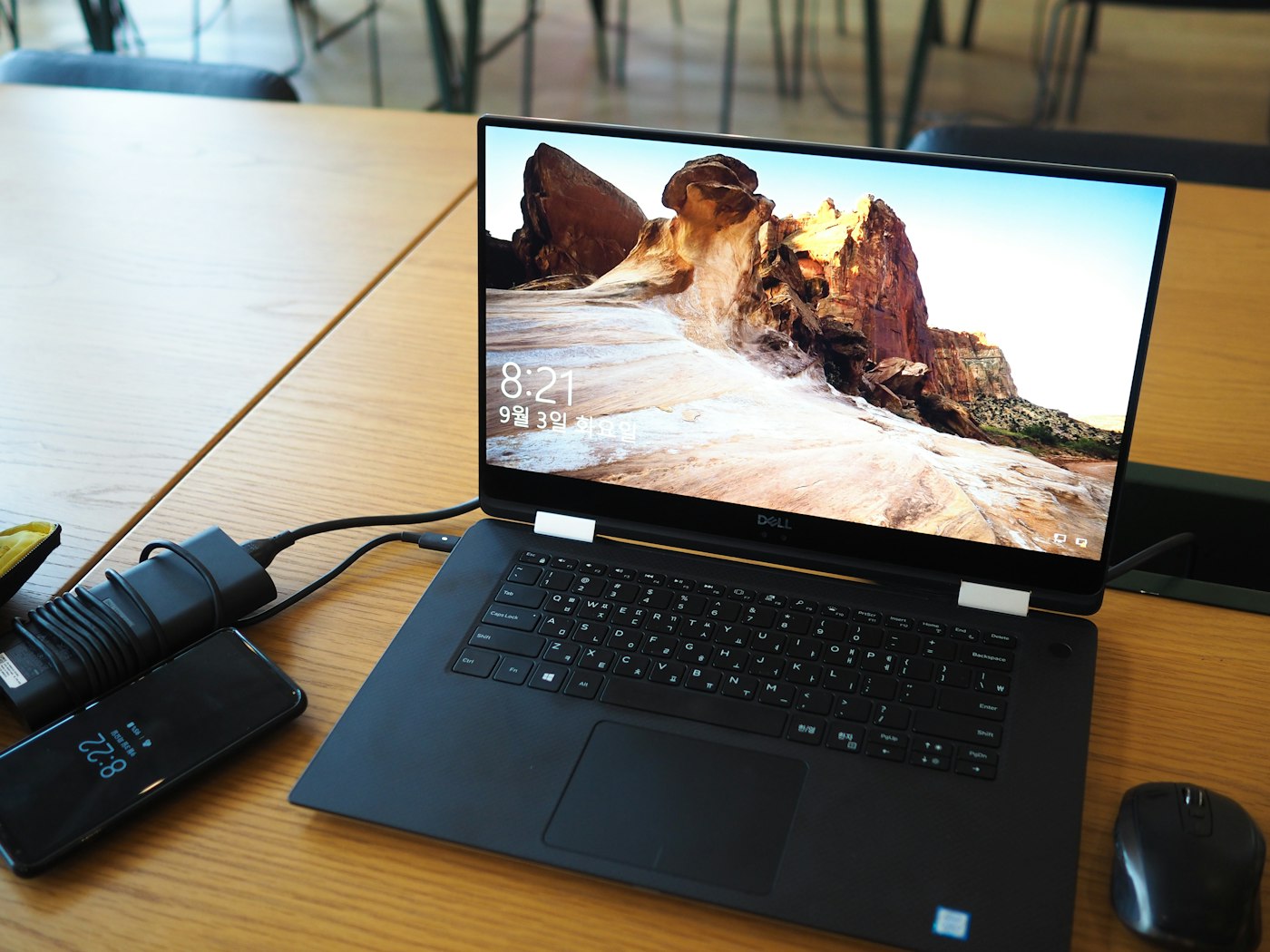
Start with video. A hub that lists 4K at 30 Hz is fine for documents but feels slow on a big monitor, so look for 4K at 60 Hz if you work on the screen all day. Then check how many external displays your laptop supports, because the dock cannot add more than the laptop allows. Apple publishes display limits for each Mac model on its support site, and base Macs often support only one external screen, which is why the Plugable product page lists M-series Pro and Max chips separately.
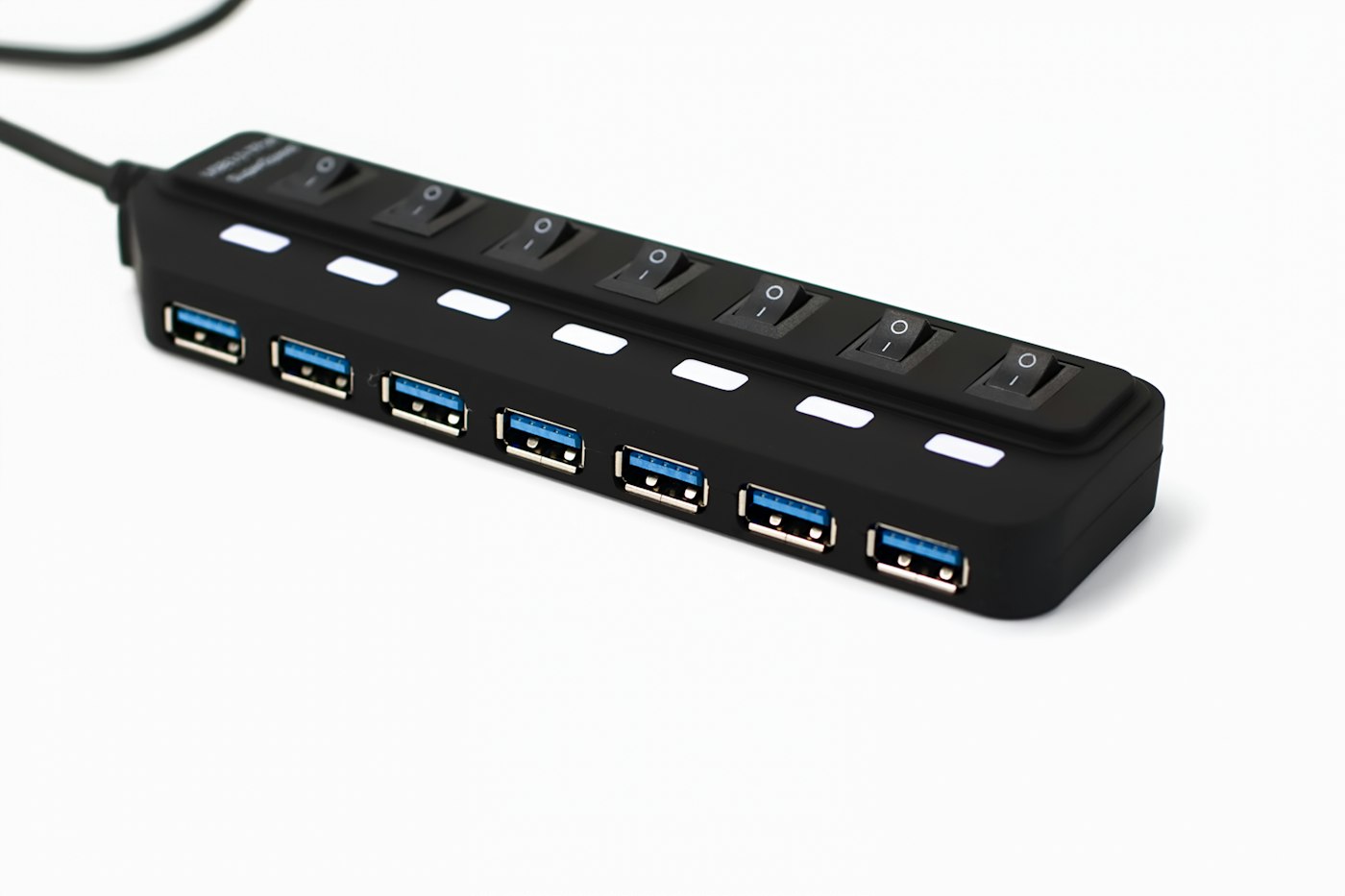
Next, look at power. Every hub here passes charging through to the laptop, but some keep part of the wattage for other ports, as UGREEN does with 15W. Match the pass-through figure to your laptop’s charger, and use the charger’s own cable for the best result. Canadians should also check the warranty. Anker lists 18 months on its hub, and Amazon listings often do not say whether a warranty is honoured in Canada, so confirm it with the seller and keep the receipt.
Sales often land around Black Friday, which falls on Nov. 27 this year. Our Chromebook guide and laptops for students guide cover the machines these hubs plug into, our power bank guide covers charging on the go and our portable SSD guide covers storage. More buying guides are on our Amazon Picks Canada page.
Frequently asked questions
What is the difference between a USB-C hub and a dock?
A hub is a small adapter that adds a few ports and usually relies on the laptop for power and video. A dock is a larger desktop unit with more ports, often several video outputs and its own power supply, built to leave on a desk.
Can a USB-C hub charge my laptop?
Most can, if they list Power Delivery pass-through. You plug your own charger into the hub, and it sends power to the laptop, though some of the wattage may be kept for the hub’s other ports.
Why does my second monitor not work through a hub?
Often the limit is the laptop, not the hub. Many Macs, especially base models, support only one external display, and some hubs share one video signal between their ports.
Does a hub slow down a fast external drive?
It can. A hub with 5Gbps ports will cap a fast SSD, so choose a port rated at 10Gbps or Thunderbolt if you move large files often.
How we chose these hubs and docks
We looked at USB-C hubs and docks sold on Amazon.ca on Nov. 6, 2026, ranked by customer ratings and sales, and picked five across four price levels. Specs, prices and ratings come from the live Amazon.ca listings and the sellers’ own descriptions, and we have not tested the products ourselves. We kept only listings shipped by Amazon and sold by the brand or its named official store, and left out hubs from unfamiliar third-party sellers. Customer comments are paraphrased from the listing reviews, with the most common complaints included.
If you find reporting like this useful, consider supporting Canada News Media, an independent Canadian newsroom with no corporate parent.
Follow Canada News Media
Get the day's top Canadian stories and our two daily 60-second news videos wherever you scroll.
X Threads Facebook Instagram LinkedIn TikTok YouTube Pinterest Reddit Substack Flipboard Newsletter RSS
Shop all our picks on Amazon.ca
Browse every list from our buying guides, plus best sellers, Christmas gifts and holiday outfits, in the Canada News Media storefront on Amazon.ca. We earn a commission on qualifying purchases.